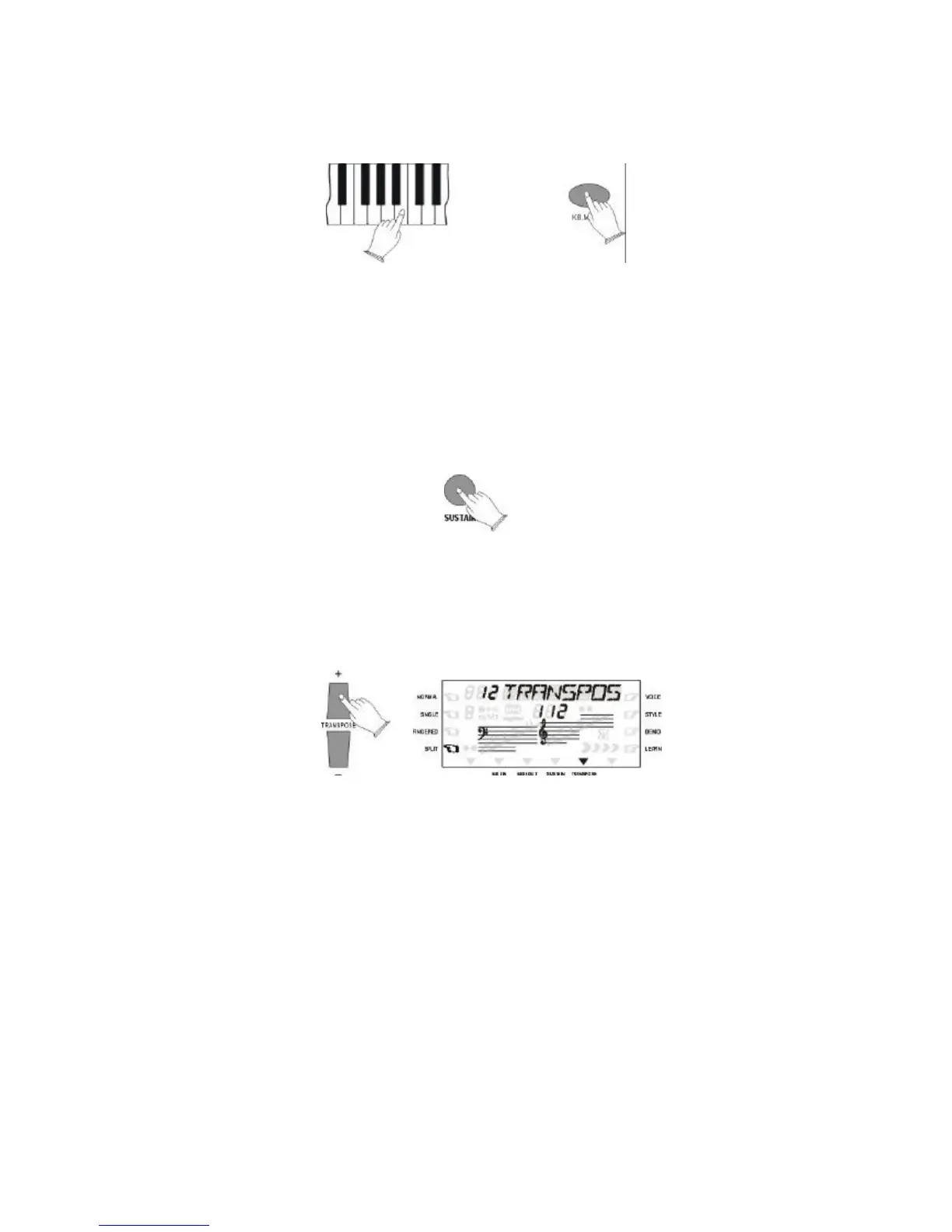
Split Point Change
Select the [SPLIT] on the display and hold the KB MODE button so that the Split function is
activated and at the same time press any key between C1 and C5 to select split point .
Select now the sound for the Left part of the keyboard.
4. OVERALL CONTROL
Sustain
Press [SUSTAIN] button to select SUS ON on the Display. It can be used as a damper pedal.
Turning Sustain on to sustain notes after the keys are released.
Press [SUSTAIN] button again to turn Sustain OFF.
TRANSPOSE
Your instrument [TFANSPOSE+/-] buttons makes it possible to change the pitch of your
instrument in intervals of a semitone (-12/+12). The normal tune value (00) can be recalled by
pressing both the two [TUNE+/-] buttons at the same time.



 To Next Page