PLAY THE INSTRUMENT
Your instrument has 100 (nr.01 – 100) stunning voices
and one Drum Kit (nr.101) that you can select and play.
1. SELECT A VOICE
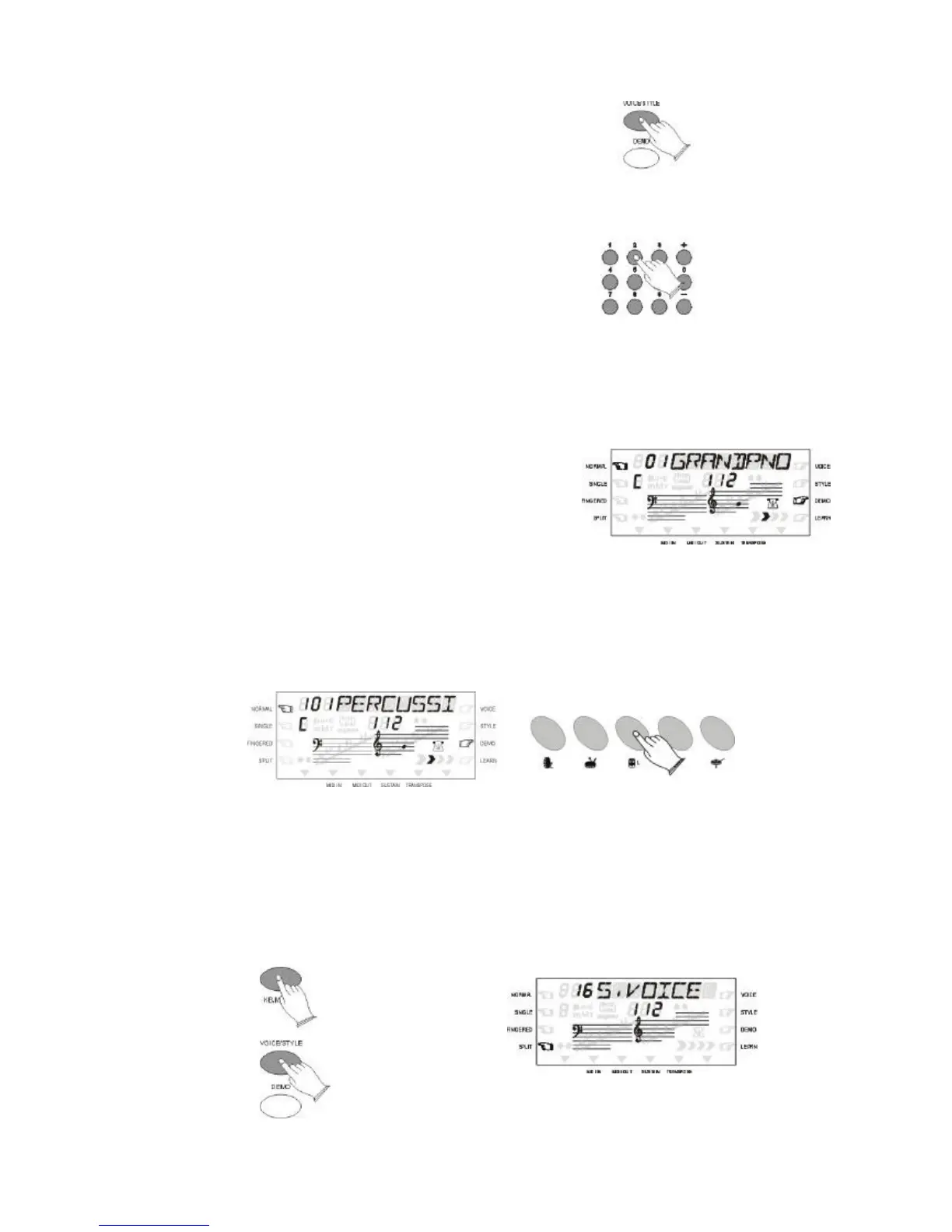
Press the [VOICE/STYLE] button to select VOICE
on the display.
Select a Voice Number
Use the Number buttons or the [+] and [-] buttons to
select the required voice number (01-100).
The [+] and [-] buttons can be used to increment
(increment by one) or decrement (decrement by
one) the currently selected voice number. Press the
[+] button briefly to increment the value , or the [-]
button to decrement. If you hold the [+] or [-]
button down , the value will increment or
decrement continuously - simply release the
button when the desired value has been reached.
The number buttons allow direct numeric entry of
the desired value, and it is the fastest way to edit
in many situations, for example 23, first press [2]
and [3].
2. DRUM KIT
Your instrument has 29 different percussions that can be played as per indicated in the
instrument the keyboard when selecting VOICE 101.
3. SPLIT MODE
Your keyboard can be split into two sections which means different voices can be played
with the left and right hands at the same time.
Press [KB MODE] button to select SPLIT on the display, then press [VOICE/STYLE]
button to select the split voice number status. Use the Number buttons or the [+] and [-]
buttons to select the desired split voice number (01 through 100).



 To Next Page