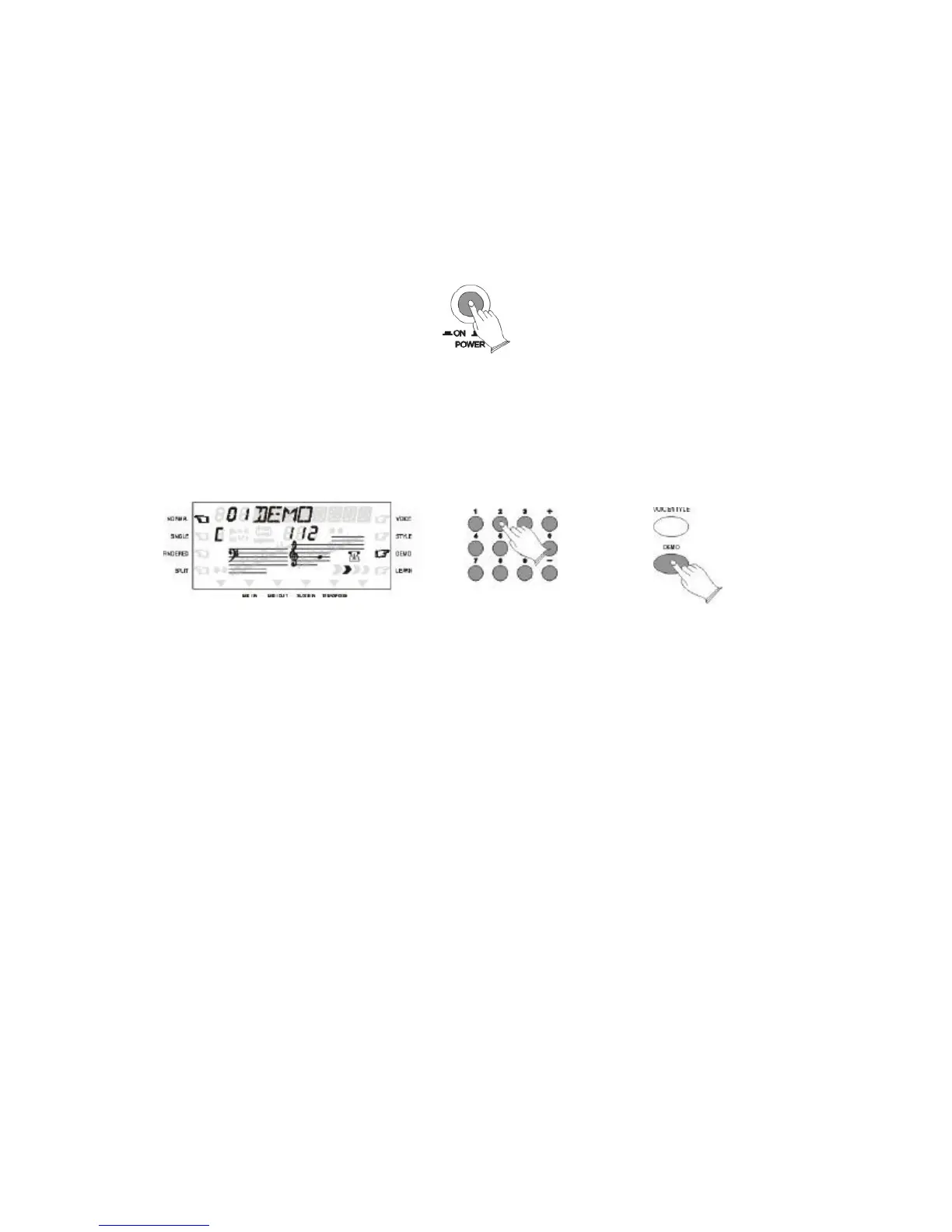
DEMO
Once you've set up your instrument, try listening to the pre programmed demonstration songs -
they'll give you a good idea of what the instrument can do.
1. TURN THE POWER ON AND SET THE VOLUME
Before playing the demo turn the power on by pressing the POWER switch (the panel LED
will light) and set the desired volume.
You can adjust the volume to accommodate your play.
2. PRESS DEMO AND START/STOP TO START
Press [DEMO] button the current demo will play. You can select a single demonstration
between 01 and 50 by pressing the Number buttons or the [+] and [-] buttons, then press
[START/STOP] button to start playback and use the VOLUME control to set the ideal
listening level.
3. STOP THE DEMO
Press [DEMO] or [START/STOP] buttons to stop demo play.



 To Next Page