13
5. TEMPO CONTROL
The [TEMPO+/-] buttons can be used to control the tempo of Auto Accompaniment, DEMO.
The available tempo range from 40 to 280 beats per minute. Each accompaniment style has a
different "default" tempo which is automatically set whenever a new style is selected(but
not when a new style is selected while the accompaniment is playing).
The default tempo for the currently selected style can be recalled instantly by pressing both
the two [TEMPO+/-] buttons at the same time.
LEARNING FUNCTION
Your instrument has an intellective learn function which can lead a beginner learn how to play a
song. There are three learning steps for you to learn from playing the songs step by step.
Trial listen
Press [DEMO] button and use the number buttons to select the demo songs, then press
[START/STOP] button you can enjoy learning songs. There are 50 learning songs for you to
select.
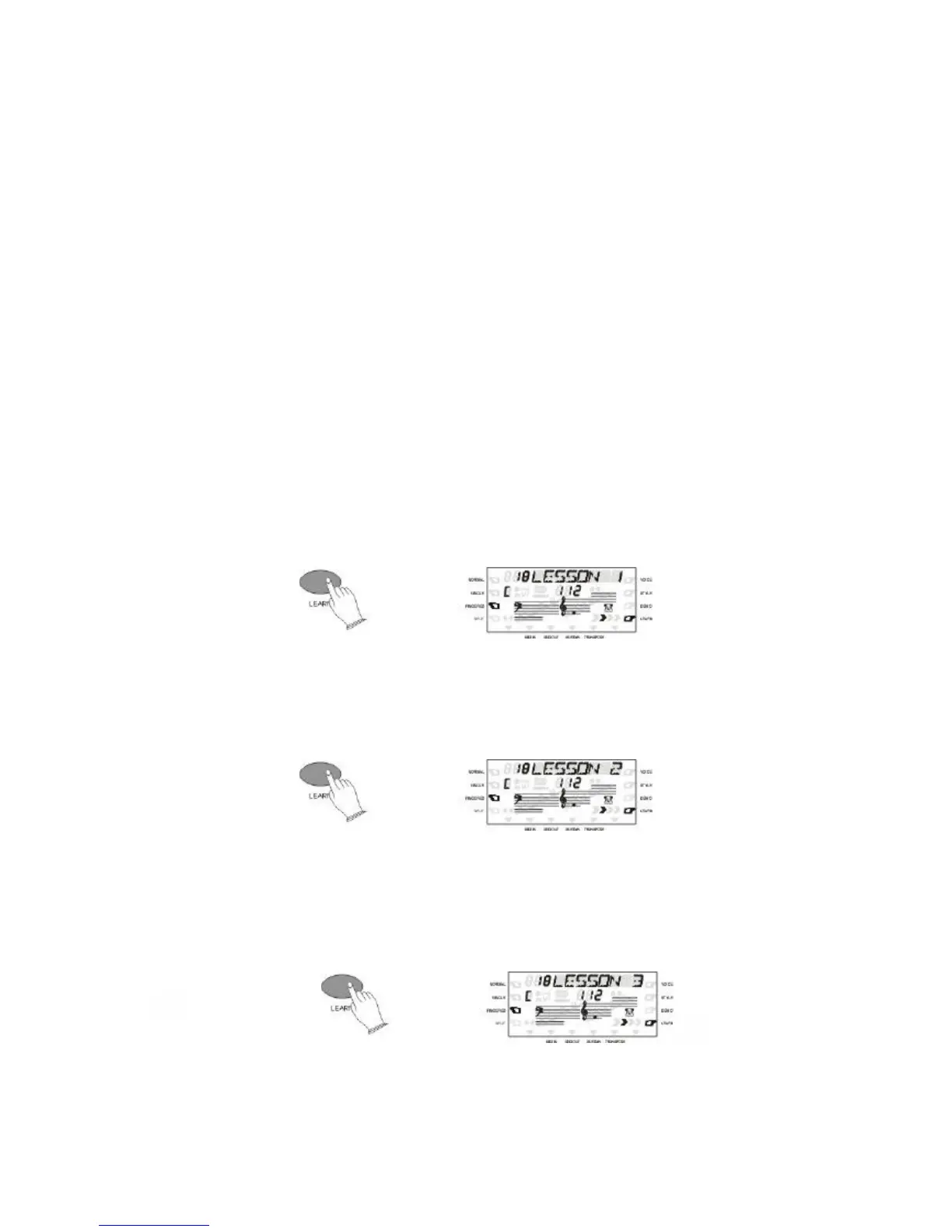
Step 1:
Select the Demo Song and press the [LEARN] button one time, then press [START/STOP]
button to go into the step one mode. When you press any one key on the keyboard
continuously, the learning song will be played note by note. It will be easy for you to learn.
Step 2:
Press the [LEARN] button two times and then press [START/STOP] button go into the step two
mode. The learning song will not go on until you press the correct key on the keyboard. You
can learn how to play a song in a very short time.
Step 3:
Press the [LEARN] button three times then press [START/STOP] button go into the step
three mode. You can play the song with the instrument play. Now you can play this song by
yourself.
ALL the steps can be stopped by pressing [STOP] button or [START/STOP] button.



 To Next Page