MK 20 Portable Keyboard
Your instrument is a high-quality electronic keyboard with 49 mini size touch keyboard and
combines the advanced PCM tone technology. Your instrument has 100 accompaniment styles that
can be used to provide fully-orchestrated Auto Accompaniment. The display make your operation
more conveniently.
In order to obtain maximum performance and enjoyment, please read this manual thoroughly while
trying out the various features described.
POWER SUPPLY
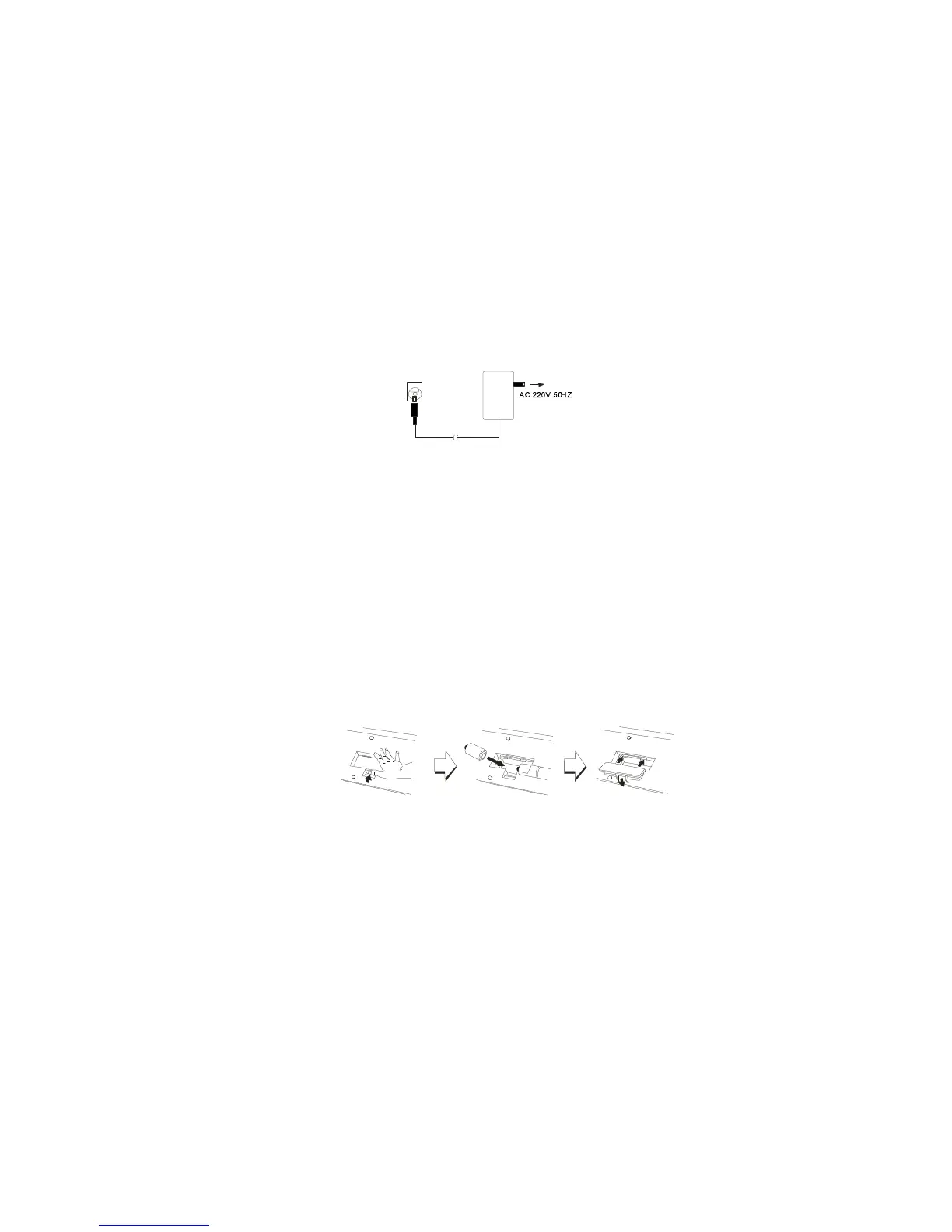
Your instrument will run from a power adaptor (DC 9V, 1000mA). Plug the DC output cable from
the Power adaptor into the DC IN jack on the rear panel of your instrument, then plug the Power
adaptor(or the AC cable of the Power Adaptor) into a convenient wall AC power socket.
The instrument use 6 X 1.5V C size battery. When the batteries need to be replaced ,the volume
may be reduced, the sound may be distorted, and other problems may occur. Please change new
battery after turn OFF the power.
1. Open the battery compartment cover located on the bottom of the instrument.
2. Insert six new batteries, be careful to follow the polarity markings on the inside of the
compartment.
3. Replace the battery cover, making sure that it locks firmly in place.
Note: When the batteries run down, replace them with a complete set of six new batteries. Never
mix old and new batteries. Do not use different kinds of batteries at the same time. To prevent
possible damage due to battery leakage, remove the batteries from the instrument if it is not to be
used for an extended period of time.
HEADPHONE AND MIKE
A headphone can be plugged into the rear-panel PHONE jack for private practice or late-night
playing. The internal speaker system is automatically shut off when a pair of headphones is plugged
into the PHONE jack.
A microphone is incorporated in the supplied headphone and can be plugged into the rear-panel
MIKE jack .



 To Next Page