Start to Play the Drum
Switch the Power On
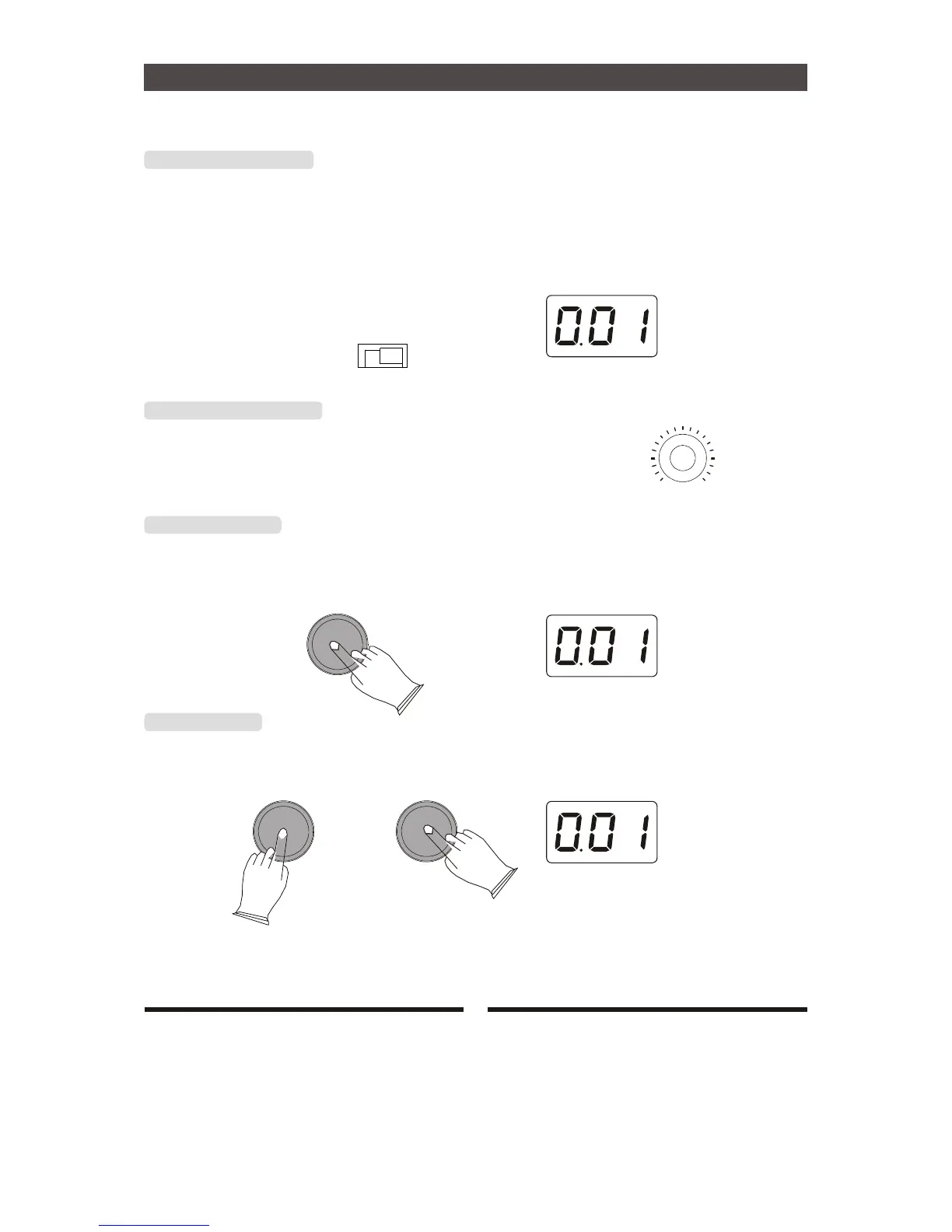
After confirming that each of the devices, pads, external devices, etc. are all properly connected, turn
the power on. The drum module is ready to operate when the display shown below, for
selecting the drum kit.
POWER
ON OFF
Set the Master Volume
MASTER VOLUME
Use the [MASTER VOLUME] knob to adjust the main volume
MIN MAX
Select Drum Kits
Press [KIT] button, The current kit number appears. you can use the [+/-] button to select kits that you
want.range:001-010,USER
KIT
[KIT] Button
Press [KIT] button and press [+] or [-] button to adjust the Volume of pads.range:000-127.
KIT
-
9


 To Next Page