Start to Play the Drum
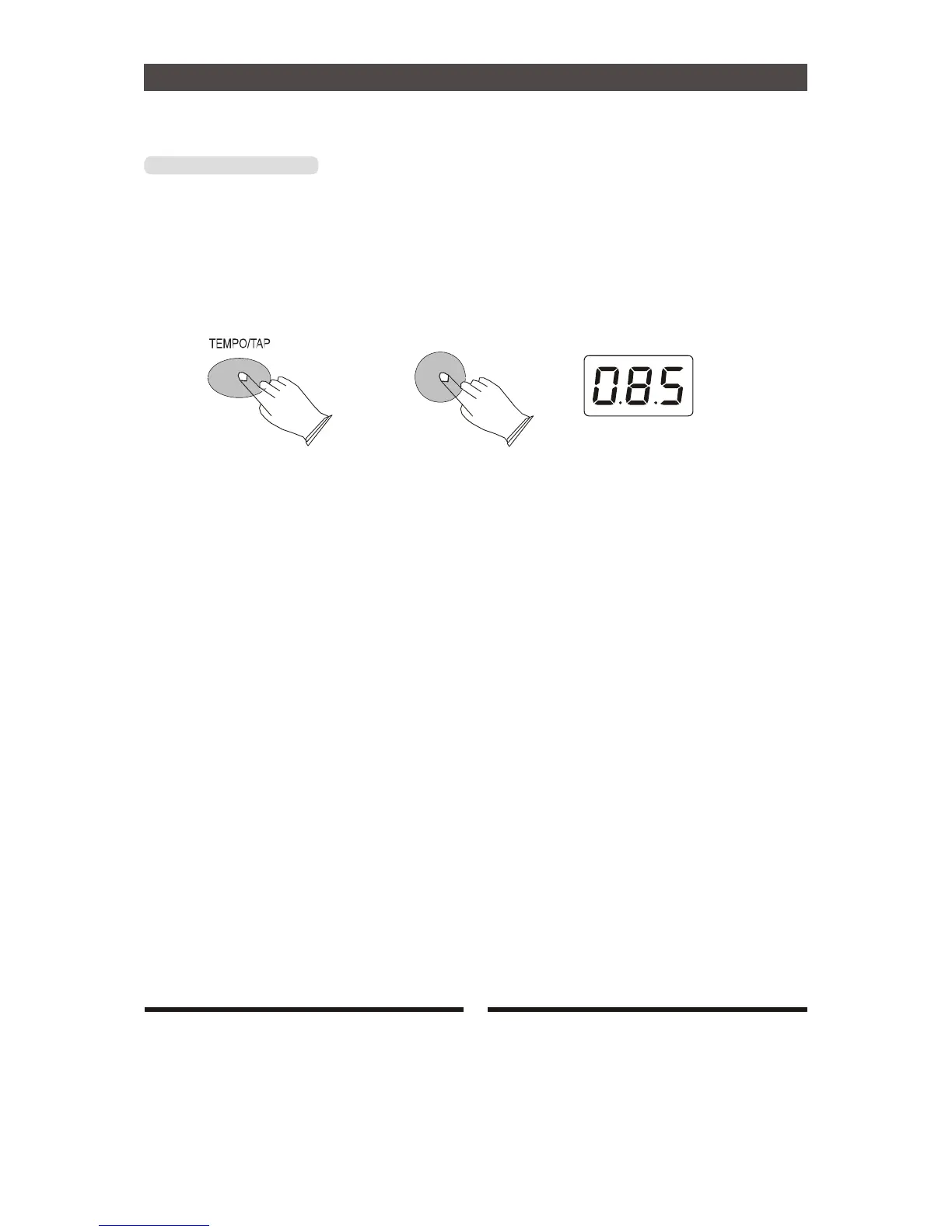
[TEMPO/TAP] Button
Tempo function, you can adjust tempo by using [TEMPO/TAP] button.
Press [TEMPO/TAP] button ,LED displays current tempo, use [+] or [-] button to adjust tempo
value. Range: 020-240
Press [TEMPO/TAP] button 2 seconds to enter the TAP mode , LED displays will flash , Tap
on the pad 4 times to change the tempo also.
+
13


 To Next Page