Start to Play the Drum
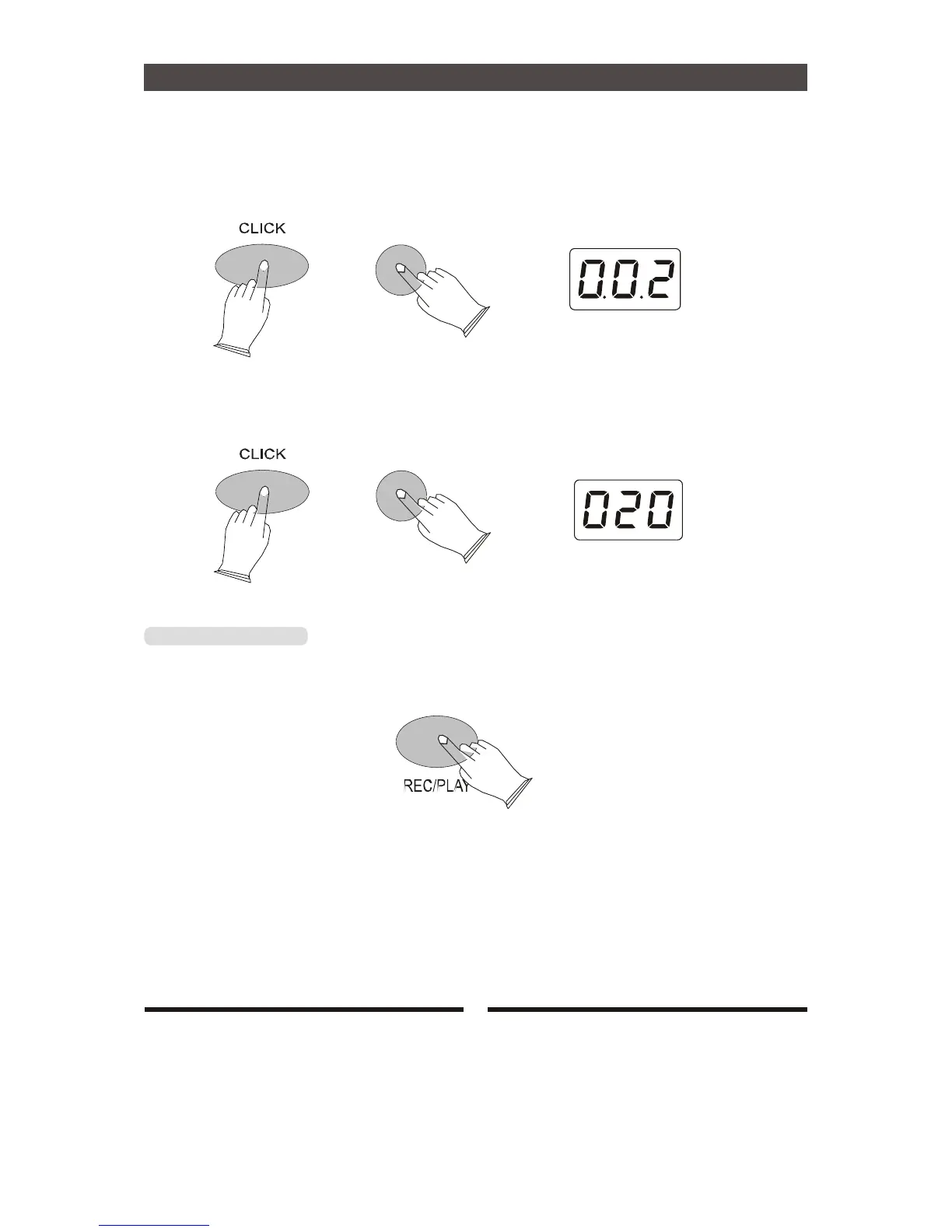
b. Click Sound
CLICK on, press[click] button and use [+] or [-] button to select click sound.
default: 001-003.
+
c. Click Volume
CLICK off, press [CLICK] button and use [+]or[-]button to select click volume,range:000-032.
+
[REC/PLAY] Button
a. Recording
Press [REC/PLAY] button 2 seconds,begin recording after four Metronome noise.
b. Playing Record
Press [REC/PLAY] button , it will Playing Record. Press [REC/PLAY] button again, to
stop play.
11


 To Next Page