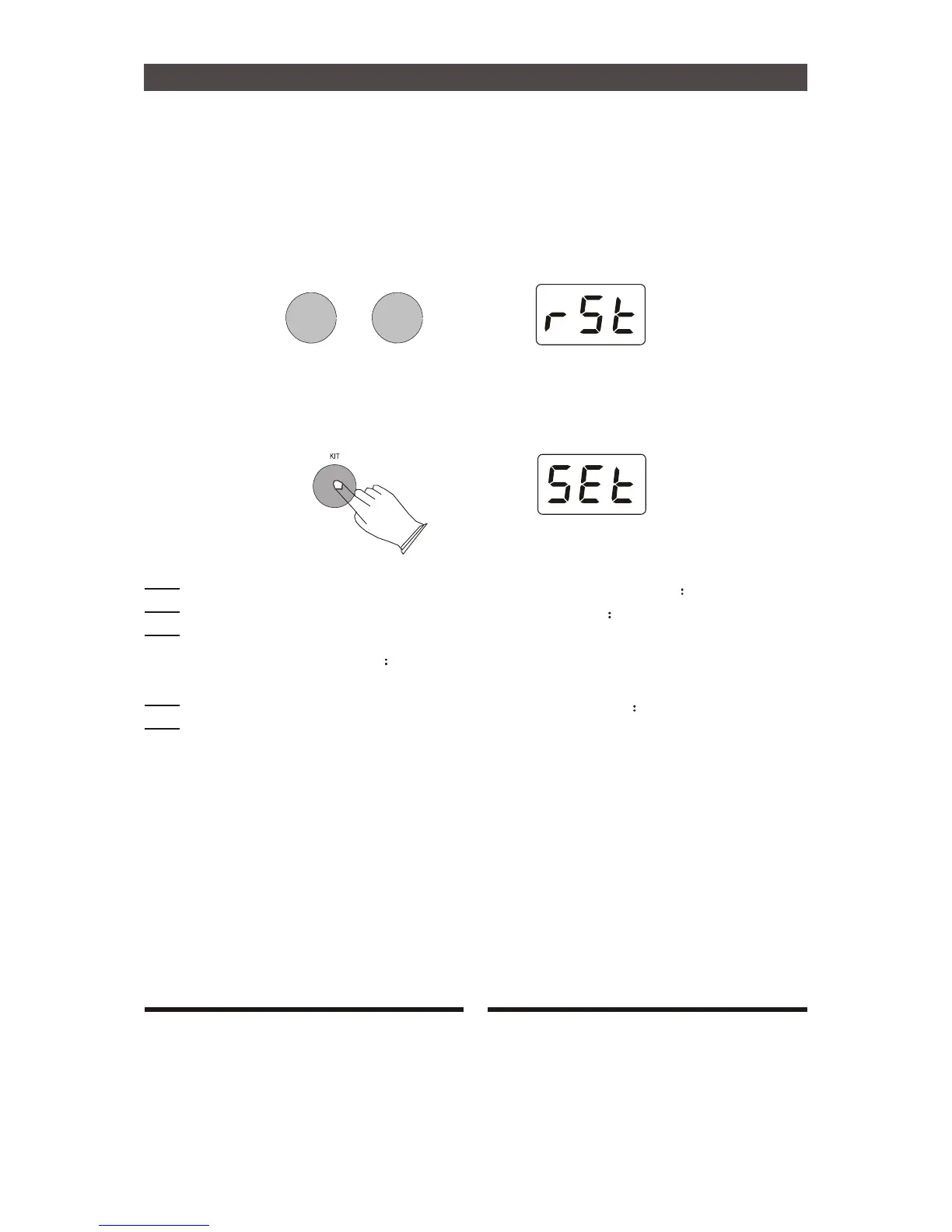
Factory Set
Turn off the power.
Hold down [+] and [-] buttons, then turn the power on, it can restore all internal settings to
factory set.
-
+
a.Reseting
Turn off the power.
Hold down [KIT] buttons, then turn the power on to enter setup mode:
Press [TEMPO/TAP] button ,use[+]or [-]button to set sensitivity. range 001-008
Press [KIT] button ,use[+]or [-]button to set threshold. range 000-050
Press [SONG] button ,use[+]or [-]button to set velocity curve. There are four velocity
curves from which to choose Normal(nor), Dynamic(dyn), EASY(ESy), and Fixed
(fId).
Press [CLICK] button ,use[+]or [-]button to set XTALK . range 000-080
Press [REC/PLAY] button to save above settings. Once turn off the power, it will be not
saved.
14


 To Next Page