2
Dongguan Ortur Intelligent Technologies Co., Ltd.
https://ortur.tech/olm2pro
No.1 Building, Ruijin Science and Technology Industrial Park, Changping, Dongguan 523558, Guandong Province, China
Welcome
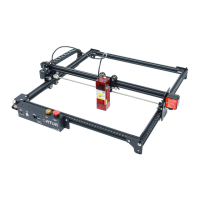
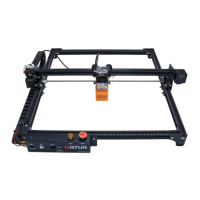
Thank you for choosing the Ortur Laser Master 2 Pro!
This manual will guide you through the steps required to assemble, ne tune and
operate your Ortur Laser Master 2 Pro safely and productively.
Please do not skip the Security and Safety Guidelines, and refer back to this
manual Troubleshooting Section if you encounter any problem.
If this manual does not address an issue you are having, please see below all the
contacts on which you could get in touch with our Support Team.
For the most expedite resolution of your problems we ask you to give priority to
contacting our Support Team via our ticketing system at https://ortur.tech/support
We strongly recommend joining our Ocial User Group at Facebook. In This
group you will nd a community of over 15000 users that are always willing to help
and share ideas, tips and trick. https://www.facebook.com/groups/orturusergroup
Description Link/URL
Laser Master 2 Pro Product Page https://ortur.tech/olm2pro/
Ortur Knowledge Base/FAQ https://ortur.tech/kb/docs/
Ortur Customer Support https://ortur.tech/support/
Ortur User Feedback https://ortur.tech/feedback/
Ortur Firmware Repository https://ortur.tech/latest-rmware/
Ortur Product Advisory https://ortur.tech/product-advisories/
Facebook Page https://www.facebook.com/realortur
Facebook User Group https://www.facebook.com/groups/orturusergroup
Youtube https://www.youtube.com/channel/UCvfgW64XBwJH7yd0E79s8Dg
Instagram https://www.instagram.com/orturocial/
Twitter https://twitter.com/OrturOcial
Online Presence - Links
QR Codes


 To Next Page