9
SETTING CHILD LOCK
The safety lock prevents unsupervised operation by children.
To set, press and hold STOP/CANCEL for three seconds. LOCK is indicated on the display.
To cancel, press and hold STOP/CANCEL for three seconds. LOCK indication disappears.
•
•
OPERATION INSTRUCTIONS (continued)
AUTO COOK
Use the TIME/MENU dial to select the desired Auto Cook code. (see chart below)
Use the COOK BY WEIGHT / CLOCK SET dial to select the correct weight.
Touch START to start cooking.
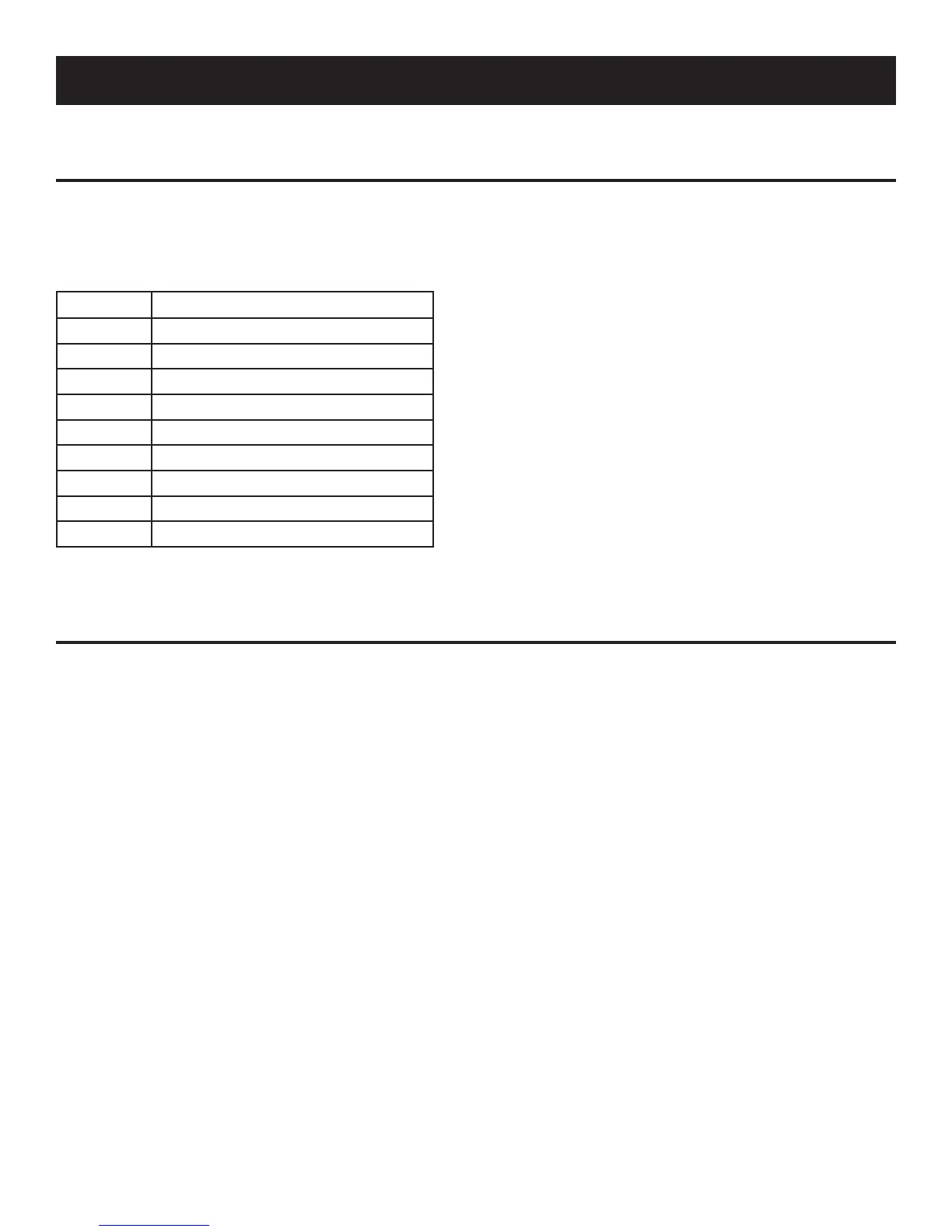
CODE ITEM/COOKING MODE
1 Milk
2 Popcorn
3 Pizza
4 Potato
5 Reheat
6 Fish
7 Chicken
8 Beef
9 Hot Dog
1.
2.
3.


 To Next Page