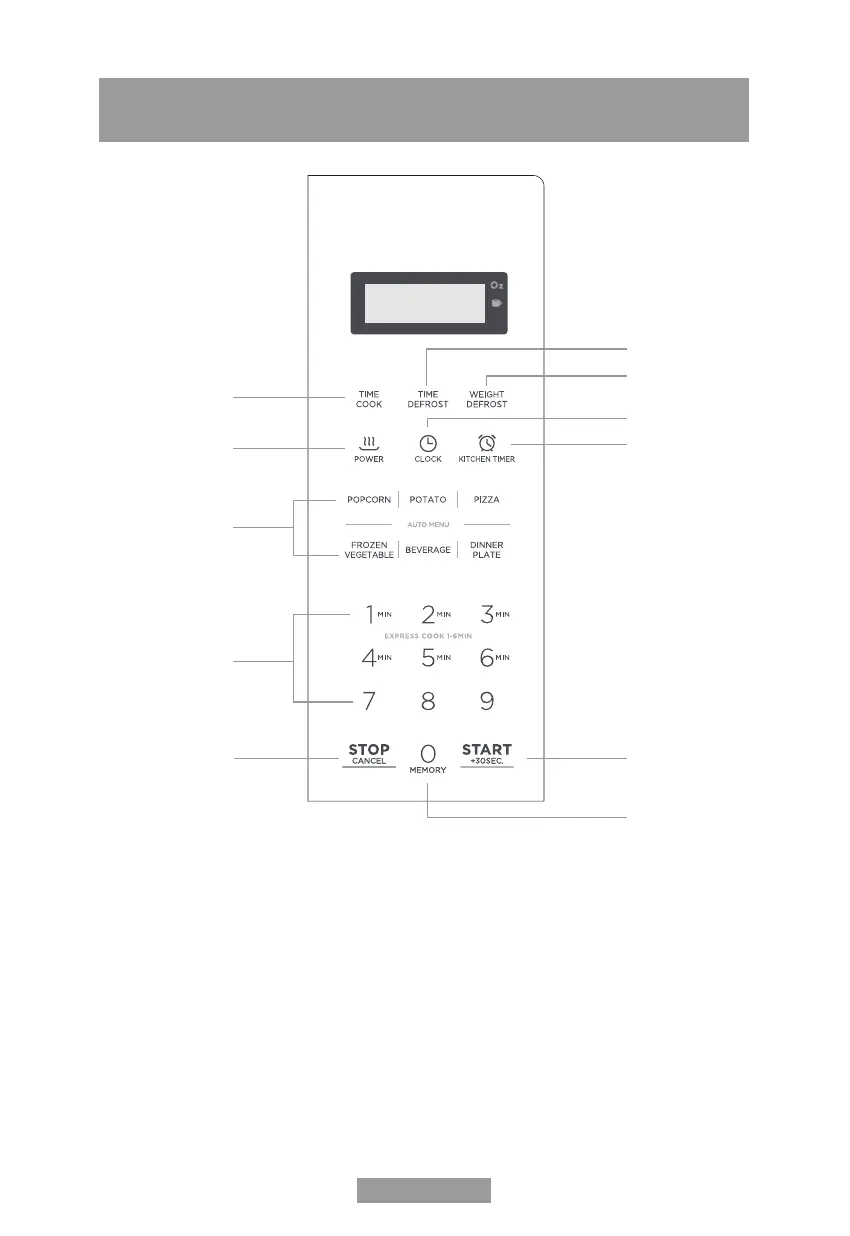
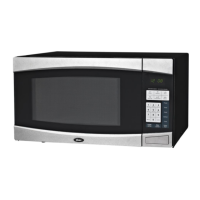
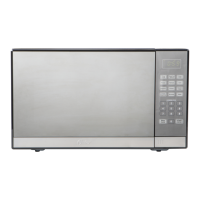
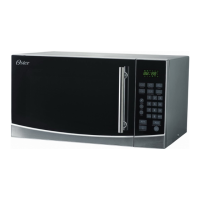
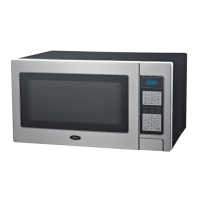
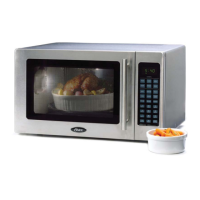
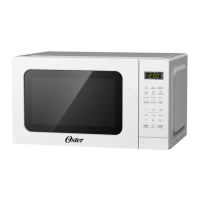
CONTROL PANEL
1. Cooking Time
2. Defrosting time
3. Defrosting by weight
4. Clock function
5. Kitchen Timer
6. Power
7. Automatic menu: Popcorn, potatoes, pizza, frozen vegetables,
drinks and dinner
8. Number keys
9. Stop/Cancel: clears all previously pressed options
to start the cooking. During cooking: press once to stop the
oven; two to stop and erase all entries.
10. Start/+30Sec.
11. Memory
1.
2.
3.
4.
5.
6.
7.
8.
9. 10.
11.
English-8


 To Next Page