Chapter 3: Configuration
7
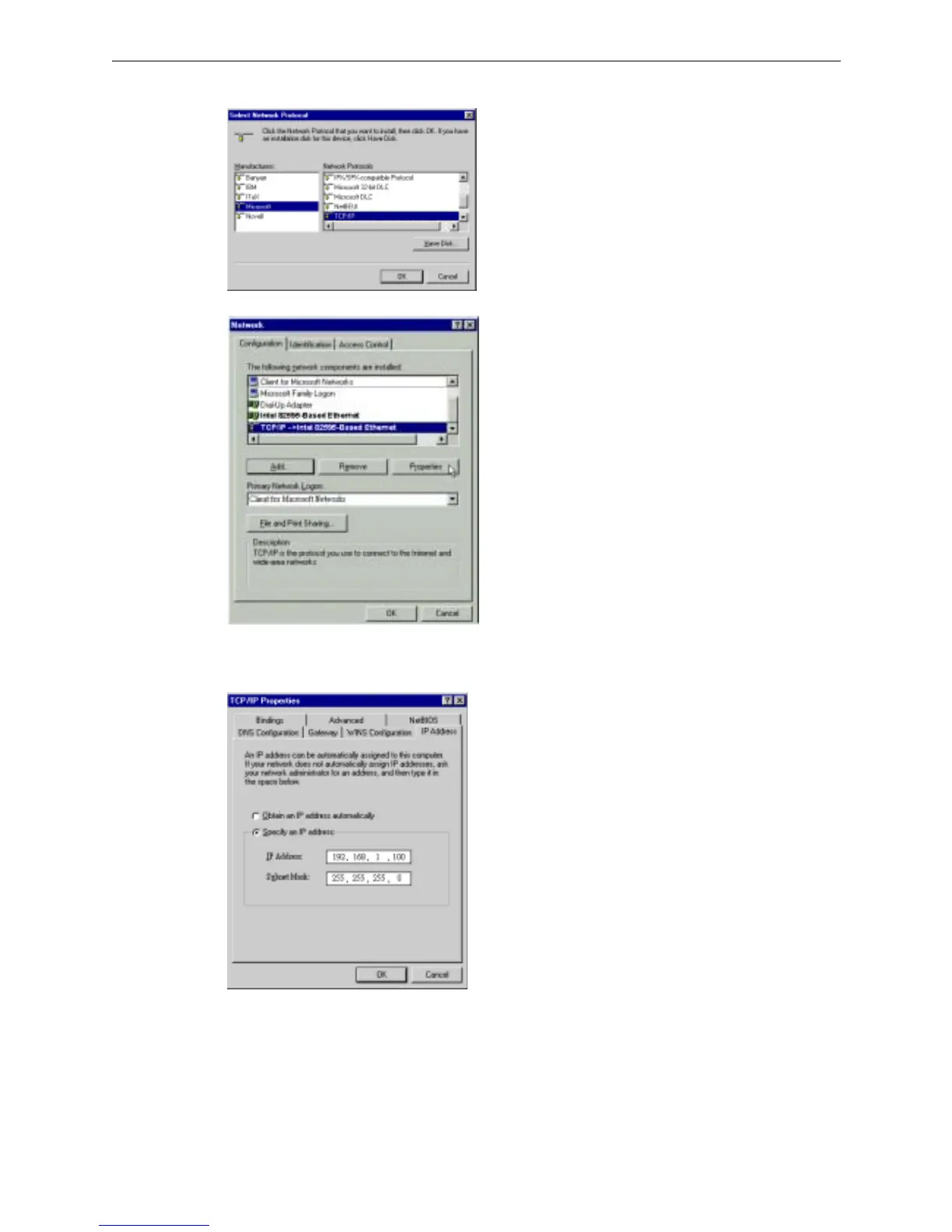
5. On the left side of the windows, highlight Microsoft and then select TCP/IP on the right side. Then click OK.
6. When returning to Network window, highlight TCP/IP protocol for your NIC and click Properties.
7. On IP Address tab:
Enable Specify an IP address option. Enter the IP Address: 192.168.1.x (x is between 2 and 254) and Subnet
Mask: 255.255.255.0 as in figure below.
8. When returning to Network window, click OK.



 To Next Page