Wireless LAN Card User’s Manual
16
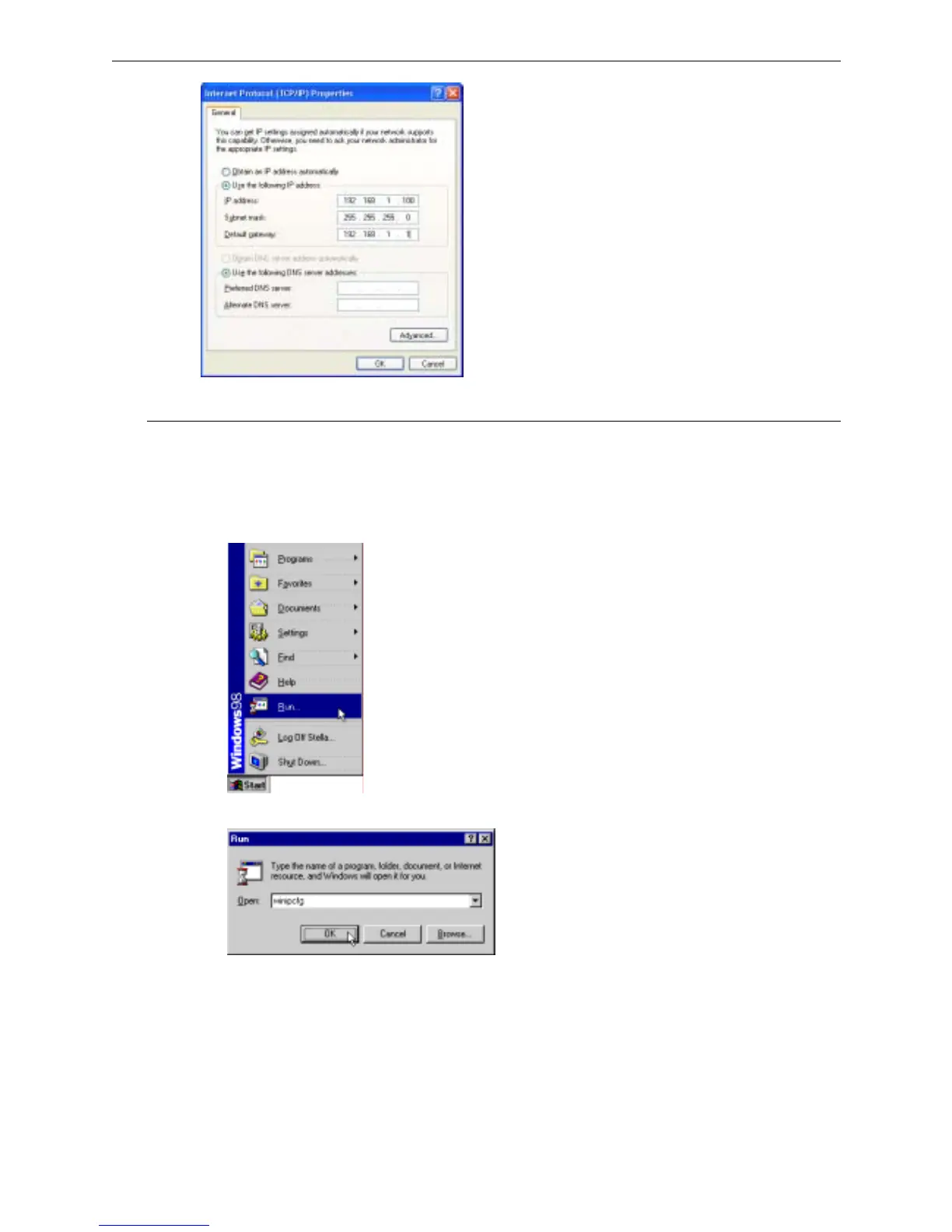
Renew IP Address on Client PC
There is a chance that your PC does not renew its IP address after the wireless LAN card is on line and the PC can
not access the Internet. Please follow the procedures below to renew PC’s IP address.
F
F
o
o
r
r
W
W
i
i
n
n
d
d
o
o
w
w
s
s
9
9
8
8
1. Select Run from the Start menu.
2. Type winipcfg in the dialog box and the click OK.
3. When the figure below appears, click Release and then Renew to get an IP address.



 To Next Page