Chapter 1: Overview
1
C
C
h
h
a
a
p
p
t
t
e
e
r
r
1
1
:
:
O
O
v
v
e
e
r
r
v
v
i
i
e
e
w
w
Before installing the card, please take a look at the front panel and real panel of the card. Getting acquainted with
both panels will be helpful for installation later.
Physical Outlook
F
F
r
r
o
o
n
n
t
t
P
P
a
a
n
n
e
e
l
l
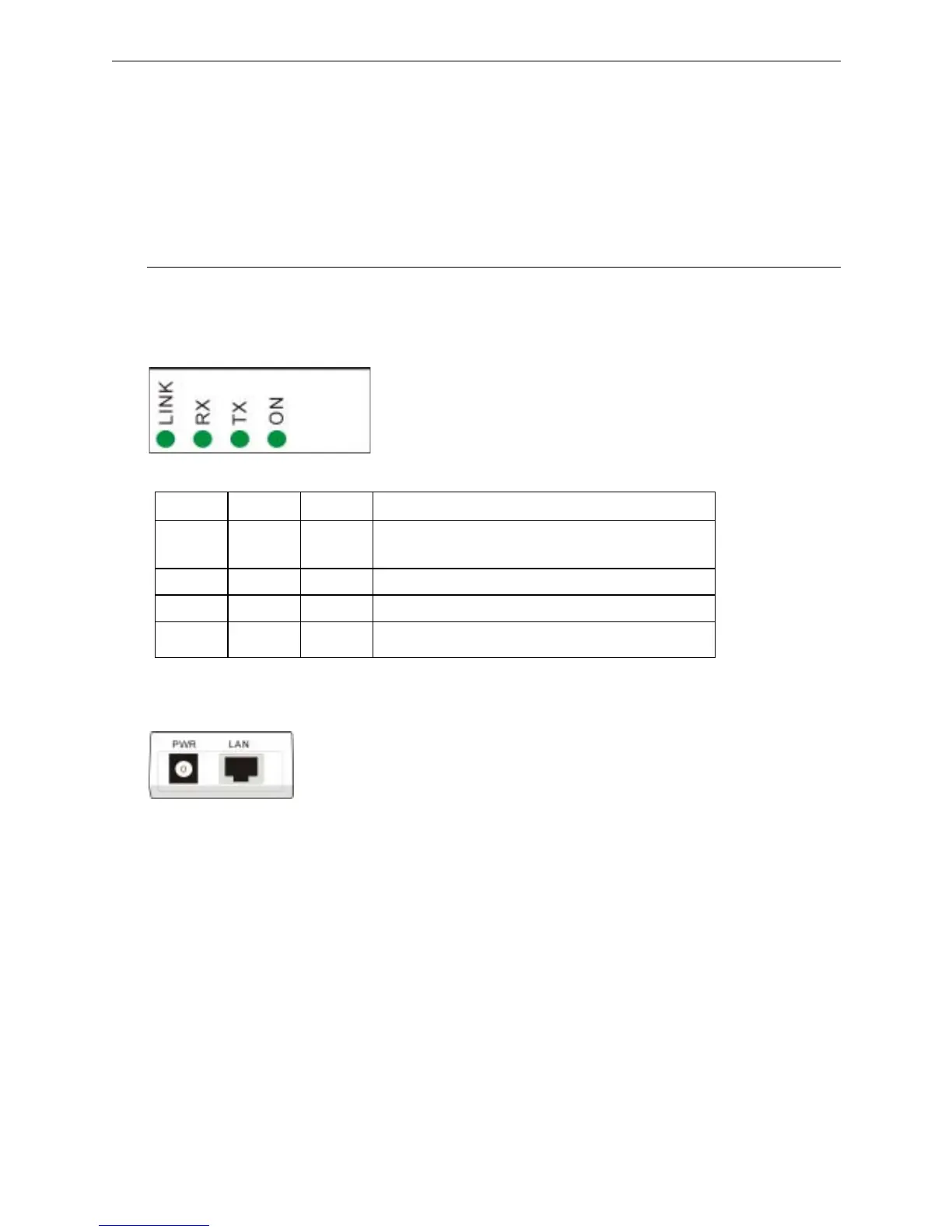
The LEDs on the Wireless LAN Card indicate connection status and data transfer operation status, as described
below:
LED Indicators
LED Color State Description
Link Red Blinking Transmission mode. The faster the LED blinks, the
higher the data exchange rate.
RX Green Blinking Indicates that the data is receiving from outside.
TX Green Blinking Indicates that the data is transferring to remote side.
On Green On The adapter is plugged into your computer.
R
R
e
e
a
a
l
l
P
P
a
a
n
n
e
e
l
l
Take a look at the real panel of this wireless LAN card.
PWR - Power connector.
LAN - LAN port. 10/100 Base-TX.



 To Next Page