Chapter 3: Configuration
17
F
F
o
o
r
r
W
W
i
i
n
n
d
d
o
o
w
w
s
s
M
M
E
E
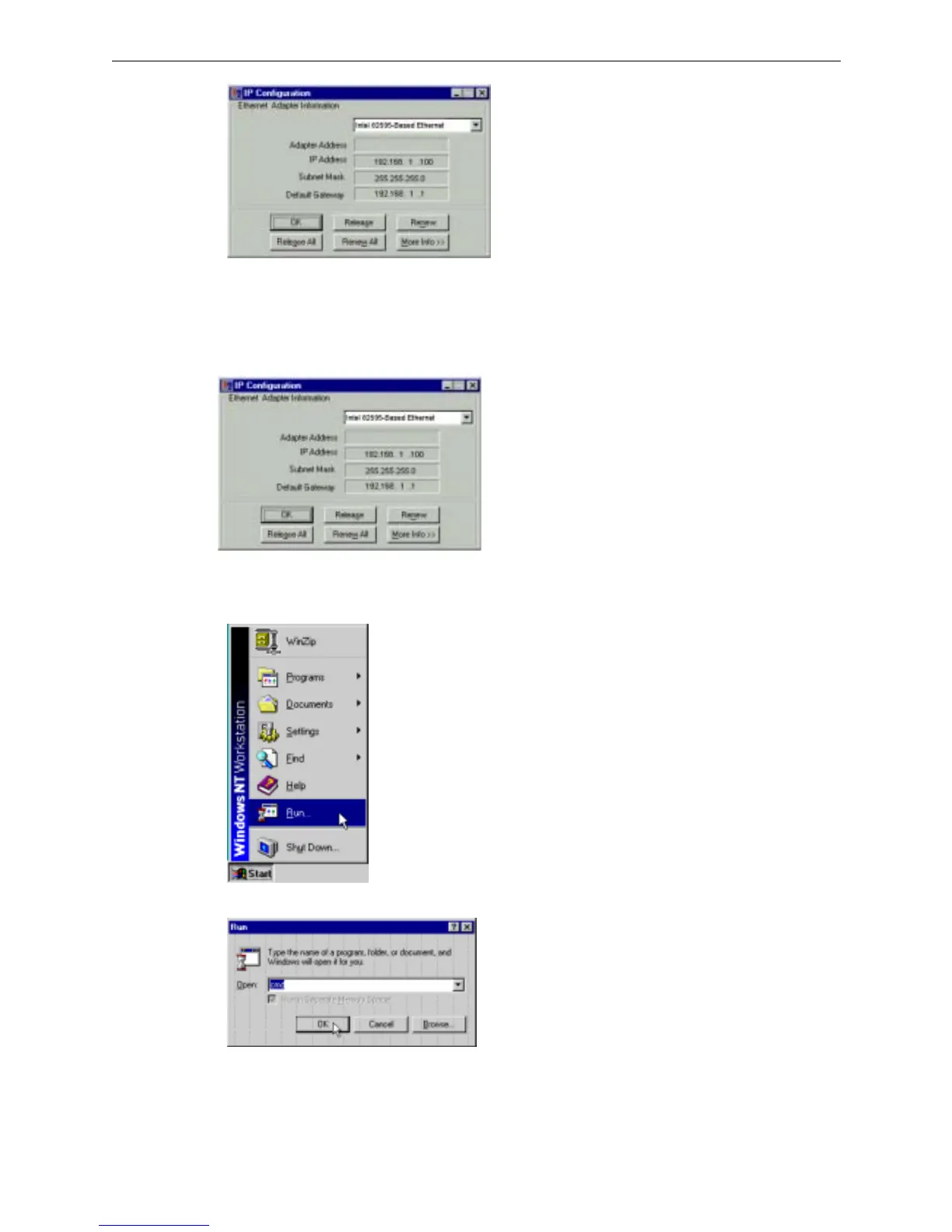
1. Select Run from the Start menu.
2. Type winipcfg in the dialog box and the click OK.
3. When the figure below appears, click Release and then Renew to get an IP address.
F
F
o
o
r
r
W
W
i
i
n
n
d
d
o
o
w
w
s
s
N
N
T
T
1. Select Run from the Start menu.
2. Type cmd in the dialog box and the click OK.
3. Type ipconfig at prompt. Then you will see the IP information from DHCP server.
4. If you want to get a new IP address, type ipconfig /release to release the previous IP address and then
type ipconfig /renew to get a new one.



 To Next Page