Chapter 3: Configuration
15
F
F
o
o
r
r
W
W
i
i
n
n
d
d
o
o
w
w
s
s
X
X
P
P
Step 1 From the Start menu, point to Control Panel and then click Network and Internet Connections.
Step 2 Click Network Connection and then click Properties.
Step 3 On the General tab, check out the list of installed network components.
Option 1: If you have no TCP/IP Protocol, click Install.
Option 2: If you have TCP/IP Protocol, go to Step 6.
Step 4 Highlight Protocol and then click Add.
Step 5 Click Internet Protocol(TCP/IP) and then click OK.
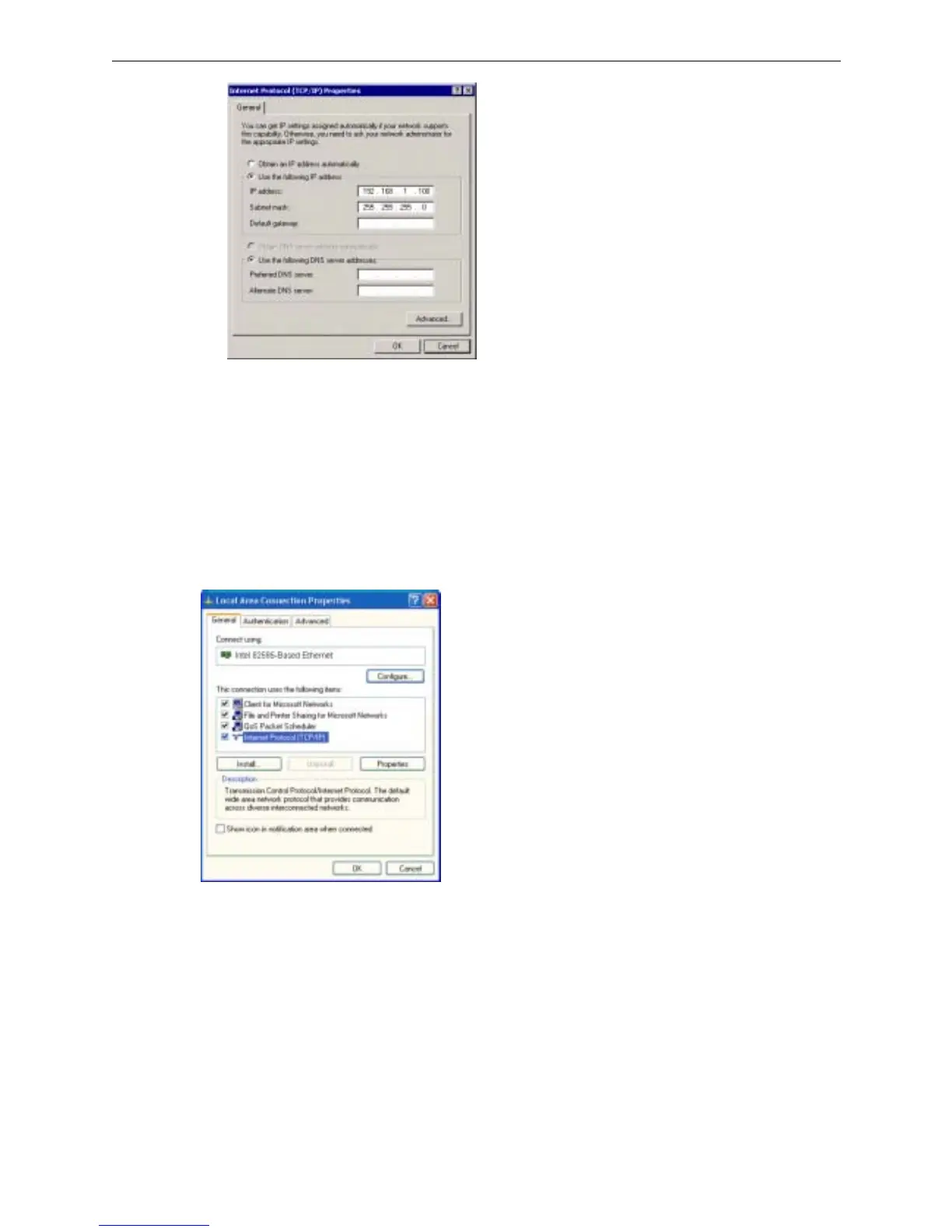
Step 6 On the Local Area Connection Properties window, highlight Internet Protocol (TCP/IP) and then click
Properties.
Step 7 Under the General tab, enable Use the following IP address. Enter the IP address: 192.168.1.x (x is
between 2 and 254) and Subnet Mask: 255.255.255.0. Then click Ok



 To Next Page