24 25
Volume Control (Optional)
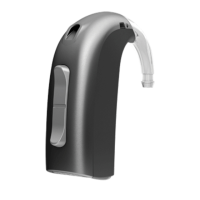
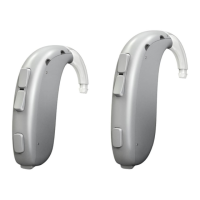
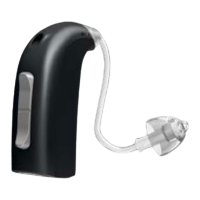
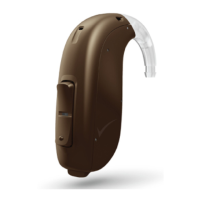
A volume control may be activated. The volume control allows you to adjust the volume in
specific listening situations to the level you feel comfortable with.
To increase volume, shortly press the upper part of the push-button.
To decrease volume, shortly press the lower part of the push-button.
You hear a beep when you increase or decrease the volume.
When the hearing instrument is turned on, it starts up at a preferred volume level.
When adjusting the volume control to the preferred level, this is indicated by a beep.
Mute (Optional)
Use the Mute function if you need to silence the instrument while you have the
instrument on.
Push the button for a minimum of 3 seconds to mute the instrument.
To reactivate the instrument, push the button
briefly again.
Note: pushing either end of the button will mute
the instrument.
OR
Push 3 sec.







 To Next Page