30
About Start-up Functions Warnings More info
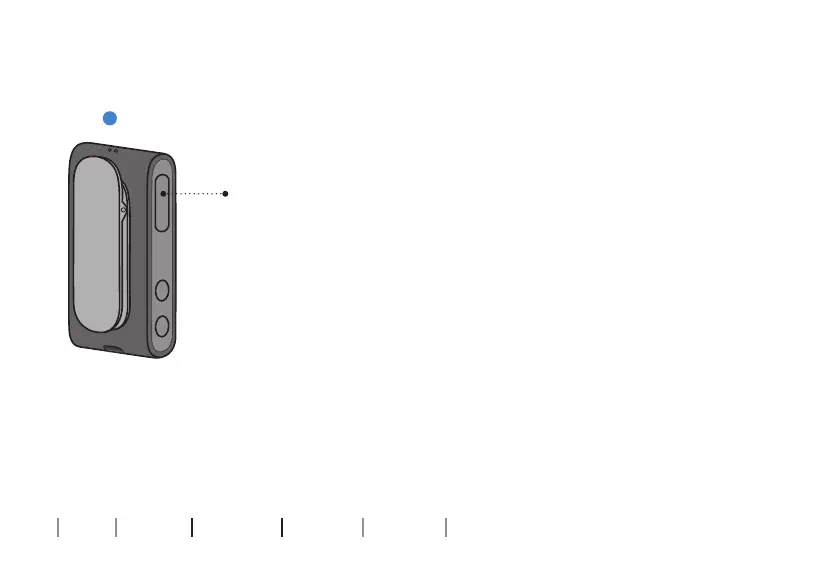
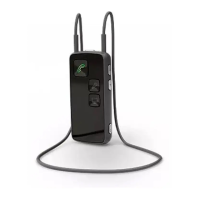
Start/stop sound from remote microphone
Stop sound from microphone
Press and hold multi button for about
3 seconds to stop the signal from the
microphone to the hearing aids. This
also switches the hearing aids back
to their normal program.
The status indicator is STEADY YELLOW or
STEADY BLUE
Press
and hold






 To Next Page