32
About Start-up Functions Warnings More info
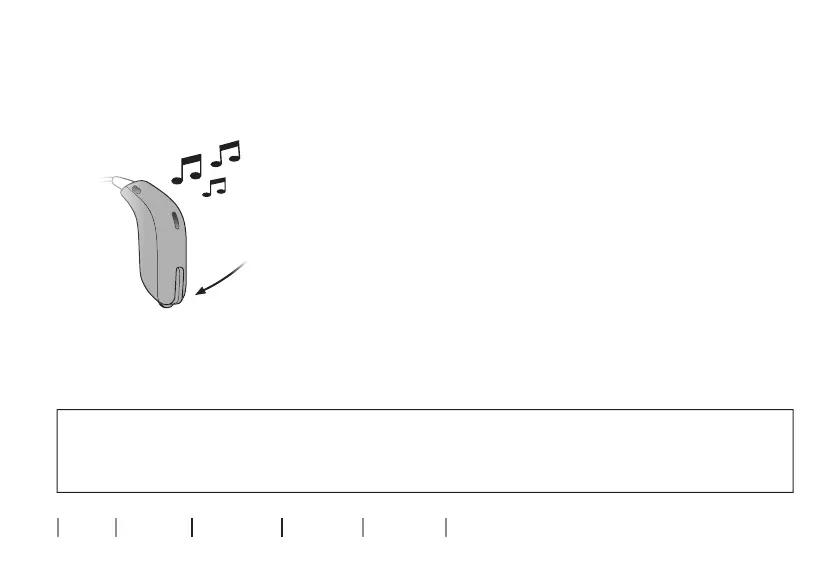
Start/stop sound from remote microphone using your
hearing aids
P1 --> P2 --> TV --> Microphone
A press on the hearing aid push button will
change program in the hearing aids.
Once you reach the remote mirophone
program you will hear the remote microphone
program indicator.
To stop remote microphone sound change the
hearing aid program.
IMPORTANT NOTICE
Please refer to your hearing aid’s instructions for use for details on the functionality of
your specific hearing aid.










 To Next Page