30 31
About Getting started Daily use Options Tinnitus Warnings More info
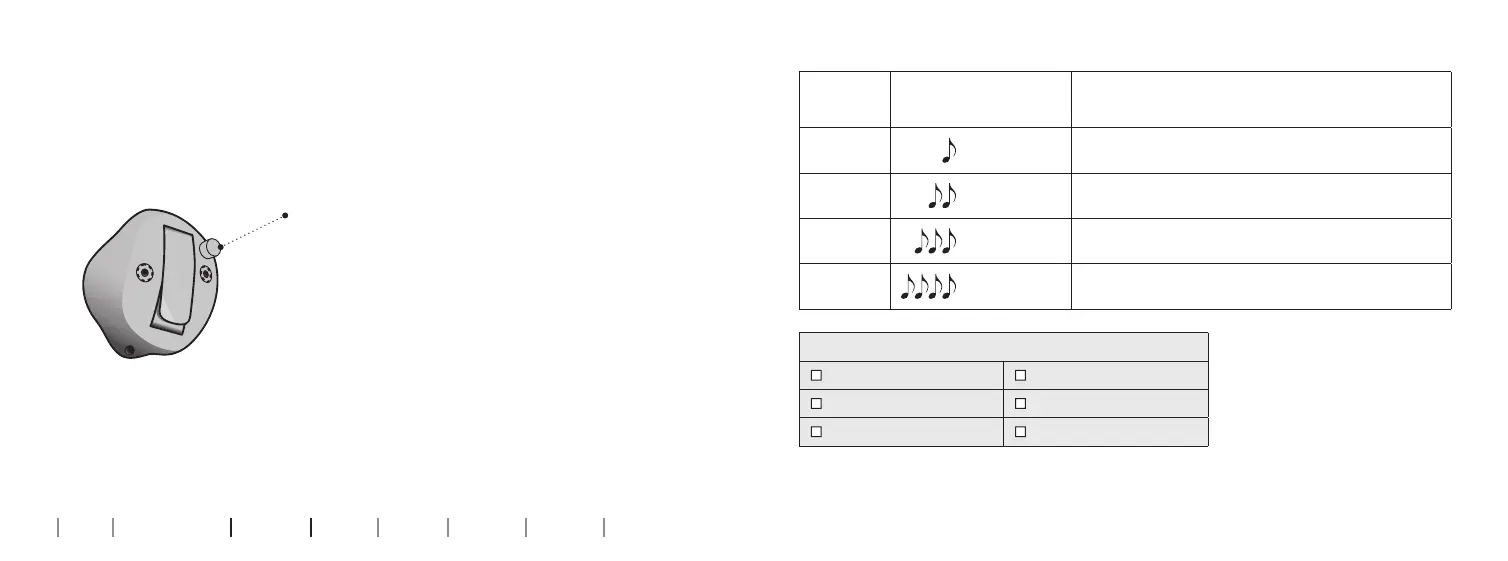
Change programs
Your hearing aid can have up to 4 di erent programs.
These are programmed by your hearing care professional.
Press the button to change program. Use a short
press if the push-button is used for program
change only and a long press if it is also used for
volume control.
Note that if you have two synchronised hearing
aids (both hearing aids respond when either
push-button is operated), the RIGHT hearing aid
switches forward from e.g., program 1 to 2 and
the LEFT hearing aid switches backwards from
e.g., program 4 to 3.
If your hearing aids work independently, you
must press the buttons on each hearing aid.
To be lled out by the hearing care professional
Program Sound you will hear
when activated
When to use
1
“1beep”
2
“2beeps”
3
“3beeps”
4
“4beeps”
Program change:
Independent Synchronised
LEFT RIGHT
Short press Long press










 To Next Page