32 33
About Getting started Daily use Options Tinnitus Warnings More info
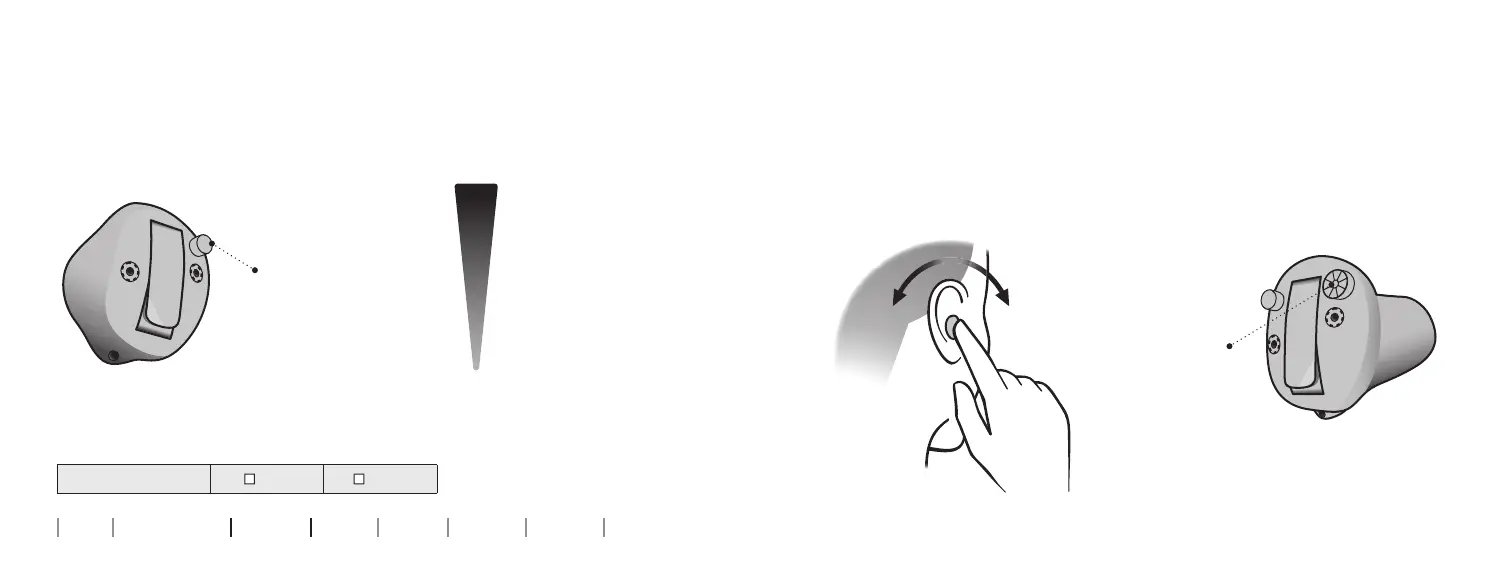
A short press on the
RIGHT hearing aid
increases the volume
A short press on the
LEFT hearing aid
decreases the volume
Change volume with push-button
The push-button allows you to adjust the volume.
You may hear a click when you turn the volume up or down.
To be lled out by the hearing care professional
Volume change
LEFT RIGHT
MAXIMUM
START-UP
VOLUME
MINIMUM
Turn forward to
turn up volume
Turn backwards
to turn down the
volume
UpDown
Change volume with volume wheel
The volume wheel allows you to adjust the volume.
You may hear a click when you turn the volume up or down.










 To Next Page