31
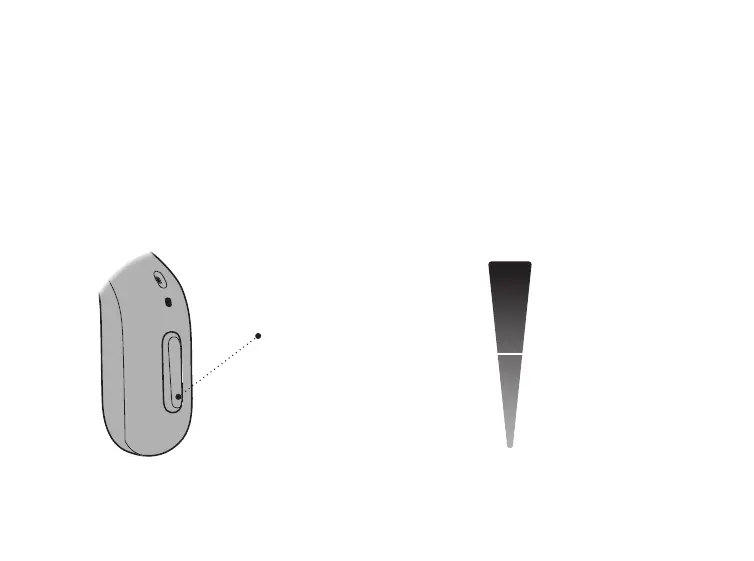
Adjust volume
The push-button allows you to adjust the volume. When you increase
or decrease the volume, you hear a beep.
For information regarding button press times, see the table General
settings overview for your hearing aid, in the Your individual
hearing aid settings section at the end of this booklet.
MAXIMUM
START-UP
VOLUME
MINIMUM
A short press on the
RIGHT hearing aid
increases the volume
A short press on the
LEFT hearing aid
decreases the volume





 To Next Page