40
About Getting started Daily use Options Tinnitus Warnings More info
Call handling
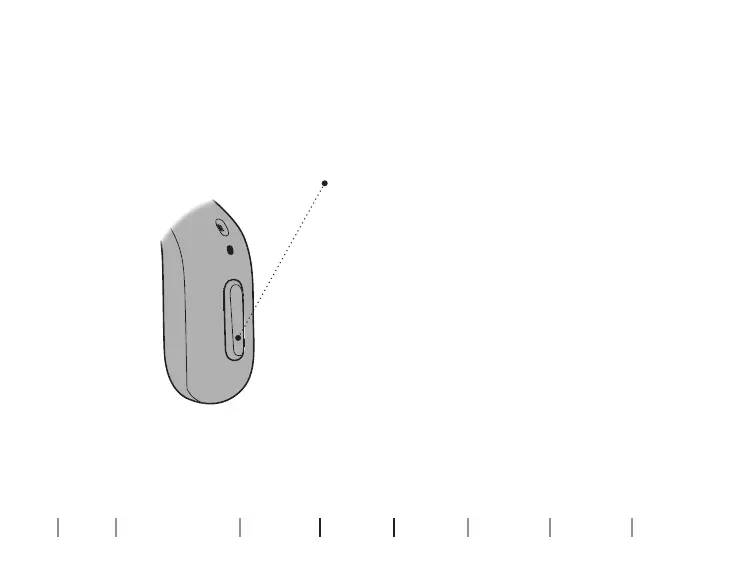
You can accept, reject or end phone calls with the push-buttons on your
hearing aids. You can also use the tap control to answer or end phone calls.
To accept
Briefly press the push-button to accept
a phone call. A short tone confirms your
action.
To reject
Press and hold the push-button to reject
a phone call. Short, descending tones
confirm your action.
To end
Press and hold the push-button to end
a phone call. Short, descending tones
confirm your action.





 To Next Page