41
* For a list of compatible mobile devices, visit: www.oticon.com/support/compatibility.
To use the call handling functionality, your hearing aids must be paired
with a compatible mobile device.*
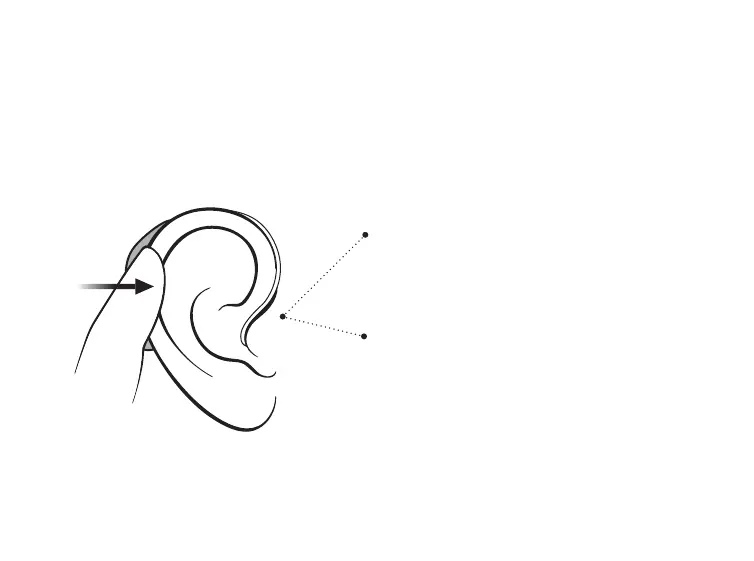
To accept
Double tap on your ear or hearing
aid to accept a phone call. A short
tone confirms your action.
To end
Double tap on your ear or hearing
aid to end a phone call. Short,
descending tones confirm your
action.





 To Next Page