47
Mute
If you are in a program for which Tinnitus SoundSupport is
activated, the mute functionality will mute only the environmental
sounds, and not the sound from Tinnitus SoundSupport.
See earlier chapter: “Mute”.
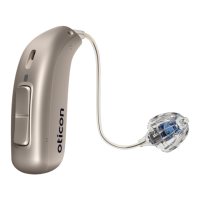
Volume adjustments with Tinnitus SoundSupport
When you select a hearing aid program for which Tinnitus
SoundSupport is activated, your hearing care professional can only
set the push button on your hearing aid to work as a volume control
for the tinnitus relief sound.
Your hearing care professional will set the volume control for the
sound generator in one of two ways:
A) Change volume in each ear separately, or
B) Change volume in both ears simultaneously.


 To Next Page
 Loading...