31
Pairing
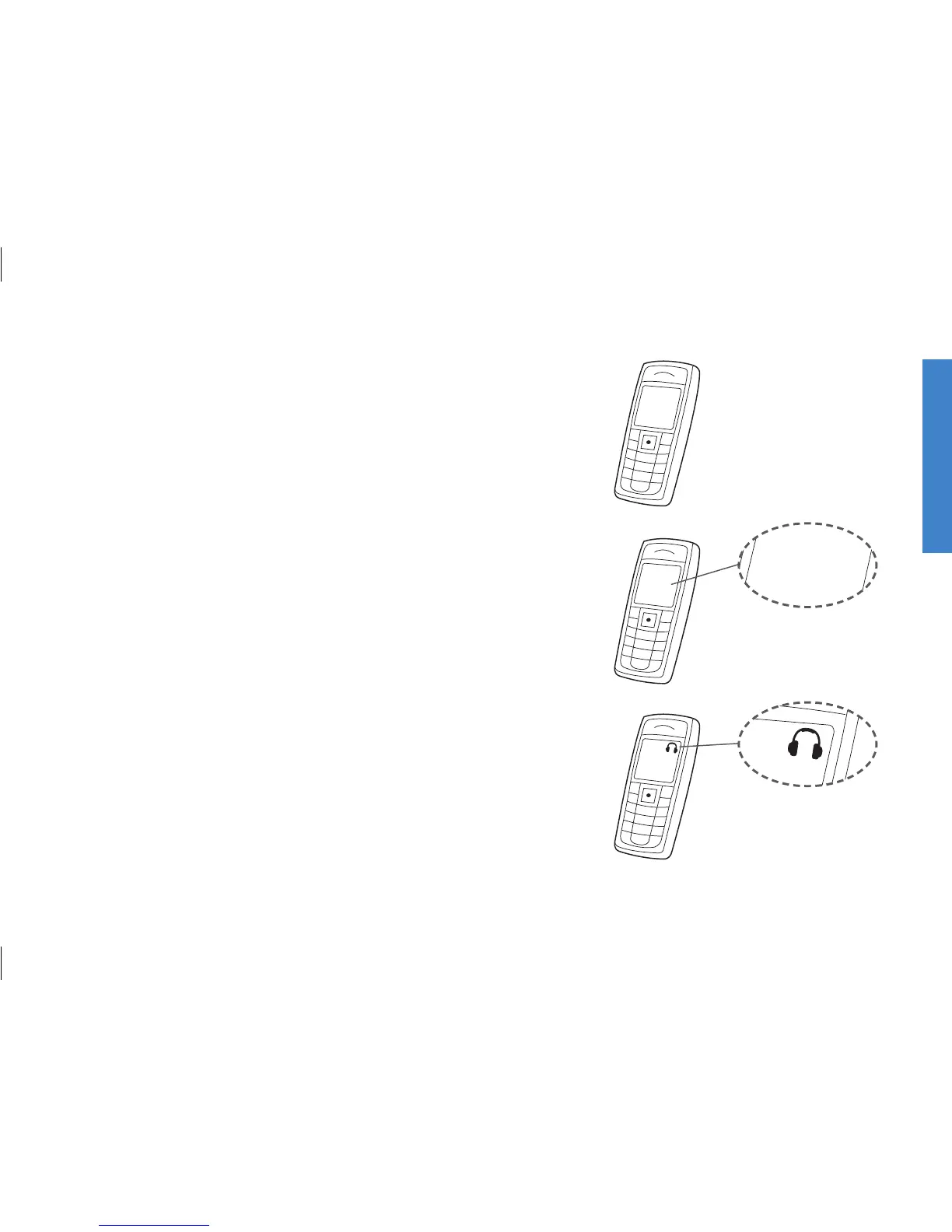
2. Bring the other device (e.g., cell phone) into pairing
mode.
This is typically in a set-up menu on your phone.
We advise you to look in your cell phone’s “instructions
for use,” e.g., under pairing.
3. The other device (cell phone) will often request a pin
code.
The pin code for the Streamer is 0 0 0 0 (four zeros).
4. Once paired, the cell phone will typically show a head-
set icon; at the same time the Streamer pairing indica-
tor will be steady blue.






 To Next Page