54
PC headset - wireless
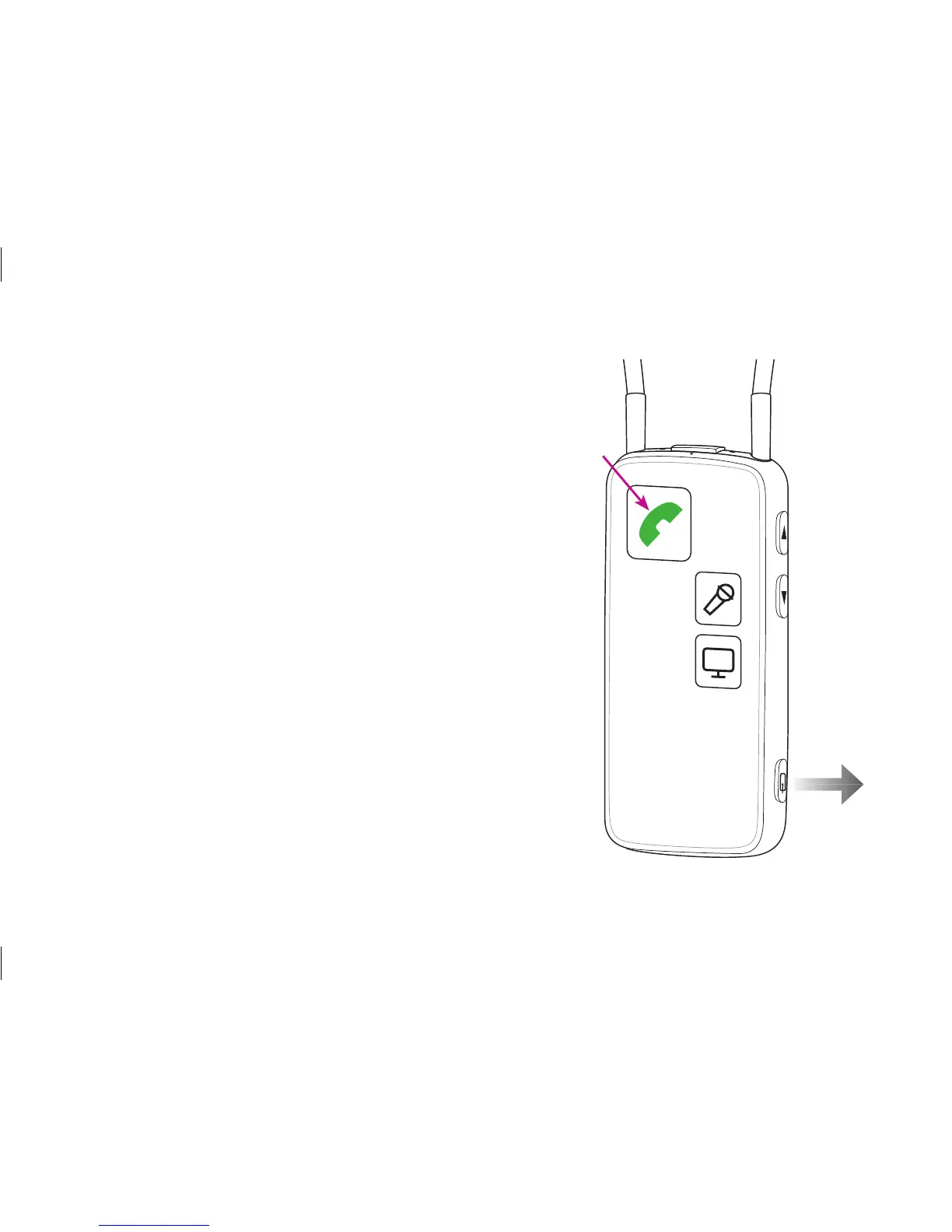
Make sure that you are able to speak into the
Streamer’s microphone inlet.
When pairing to a computer, make sure that the
Streamer is paired as a headset device.
To use the headset function, simply press the phone
button briefly.
For more information please refer to:
www.oticonusa.com/connectline






 To Next Page