35
Cell Phone
Cell phone
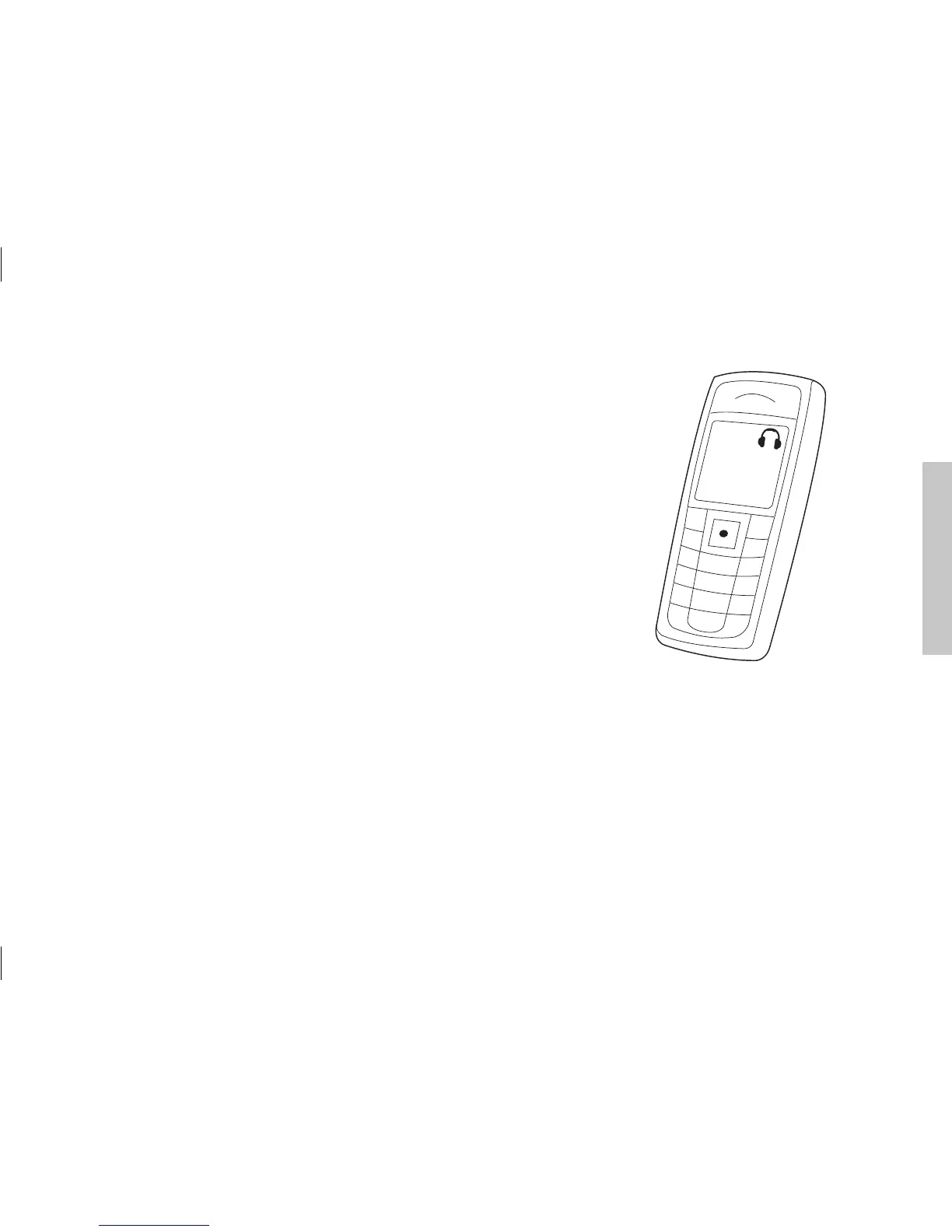
To be able to receive or make calls while using the
Streamer, make sure that the Streamer and cell phone
have been paired (pages 30-31), are turned on and are
within range (10 meters). Your cell phone may indicate
that it is connected to the Streamer with a small headset
icon.
For more information please refer to:
www.oticonusa.com/connectline






 To Next Page