48
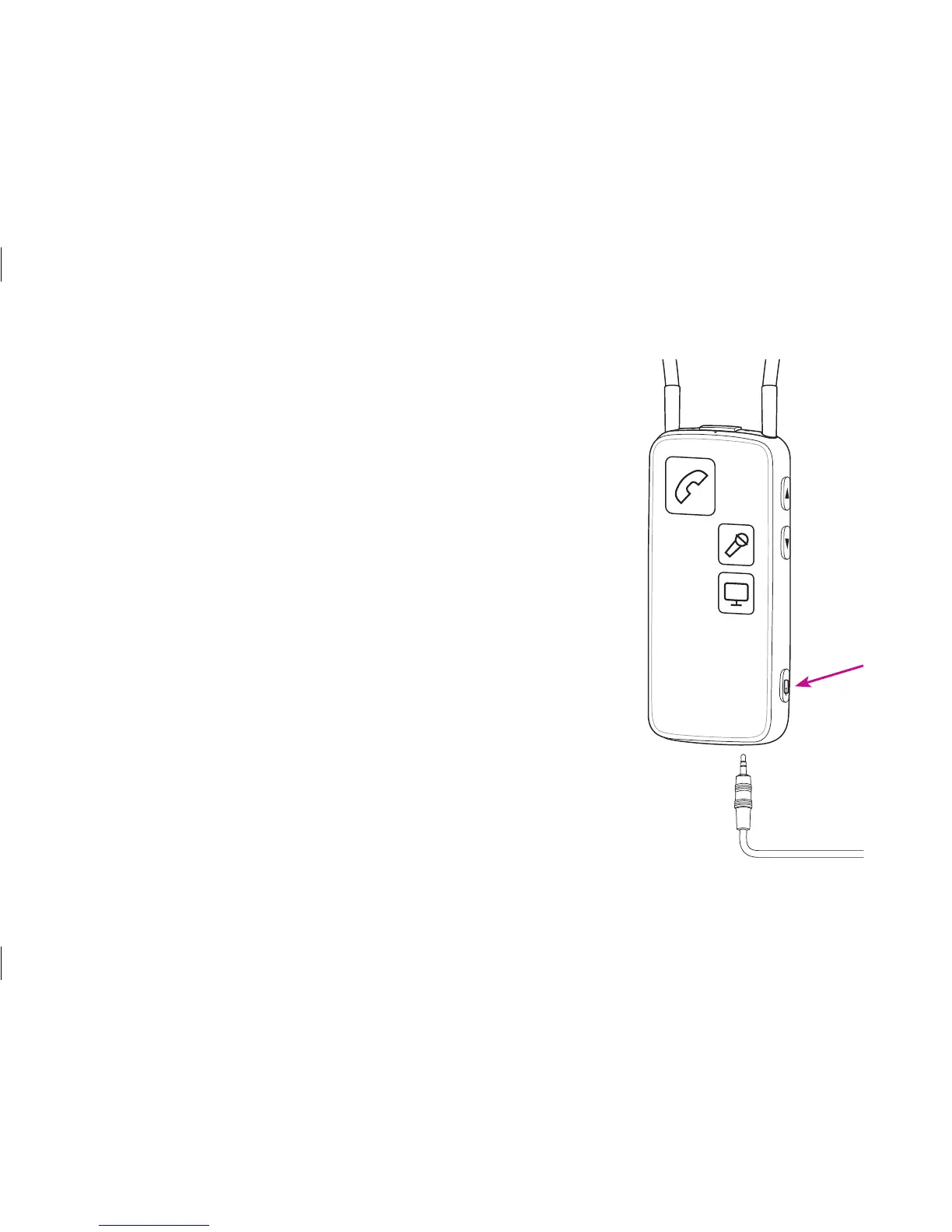
Music/audio cable
Inserting and connecting the included mini jack cable
enables you to listen to music/audio from a wide range of
devices.
To listen to audio from your device, simply press the AUX
selector briefly. When the cable is inserted, streaming will
start automatically.
For more information please refer to:
www.oticonusa.com/connectline






 To Next Page