50
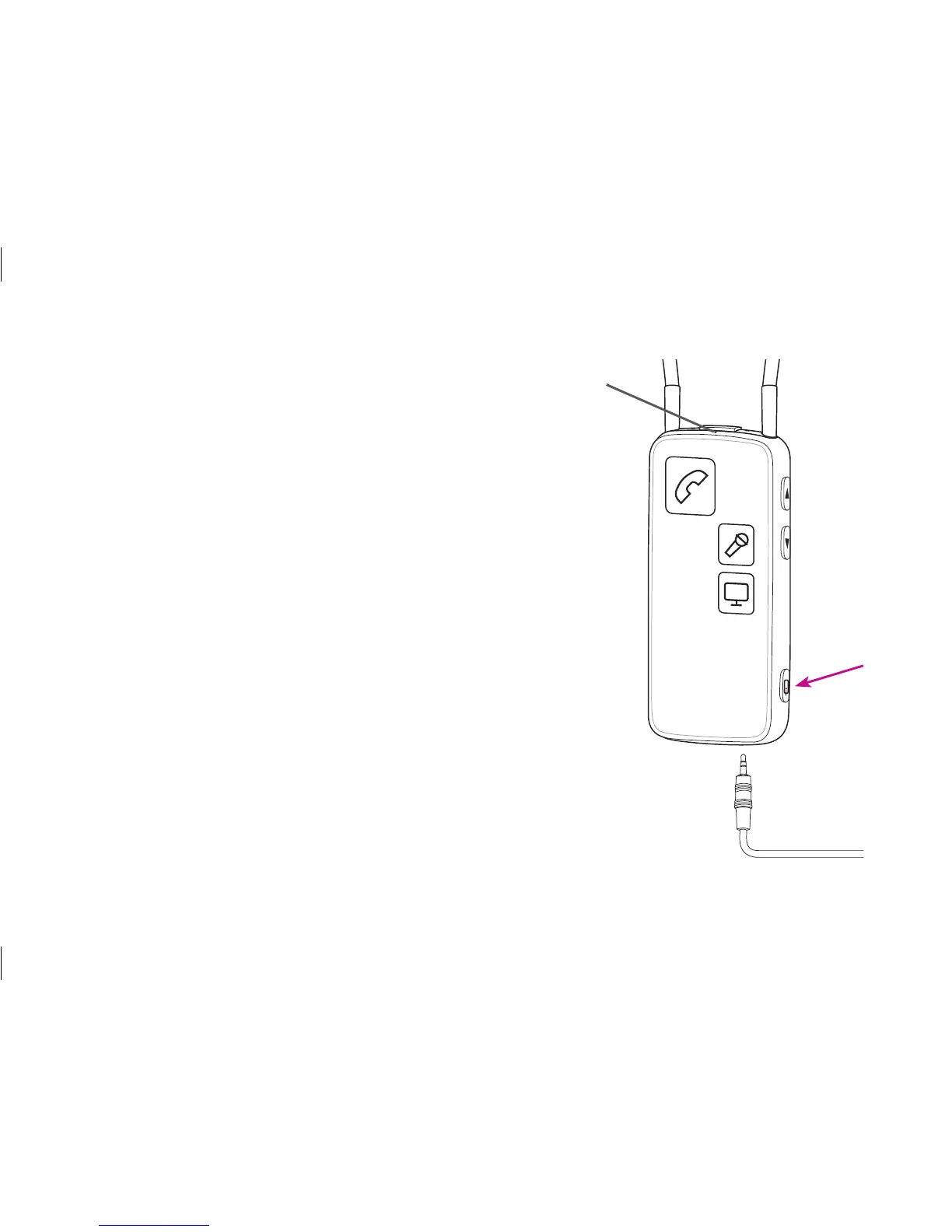
Headset cable
Make sure that you are able to speak into the Streamer’s
microphone inlet.
Inserting and connecting the included mini jack cable and
the included headset splitter cable enables you to use the
Streamer as a headset with your computer.
To use the headset function, simply press the AUX
selector briefly.
For more information please refer to:
www.oticonusa.com/connectline
Microphone






 To Next Page