33 40 17
_ _
38
How to make a call
Make sure that you are able to speak into the Streamer’s
microphone inlet.
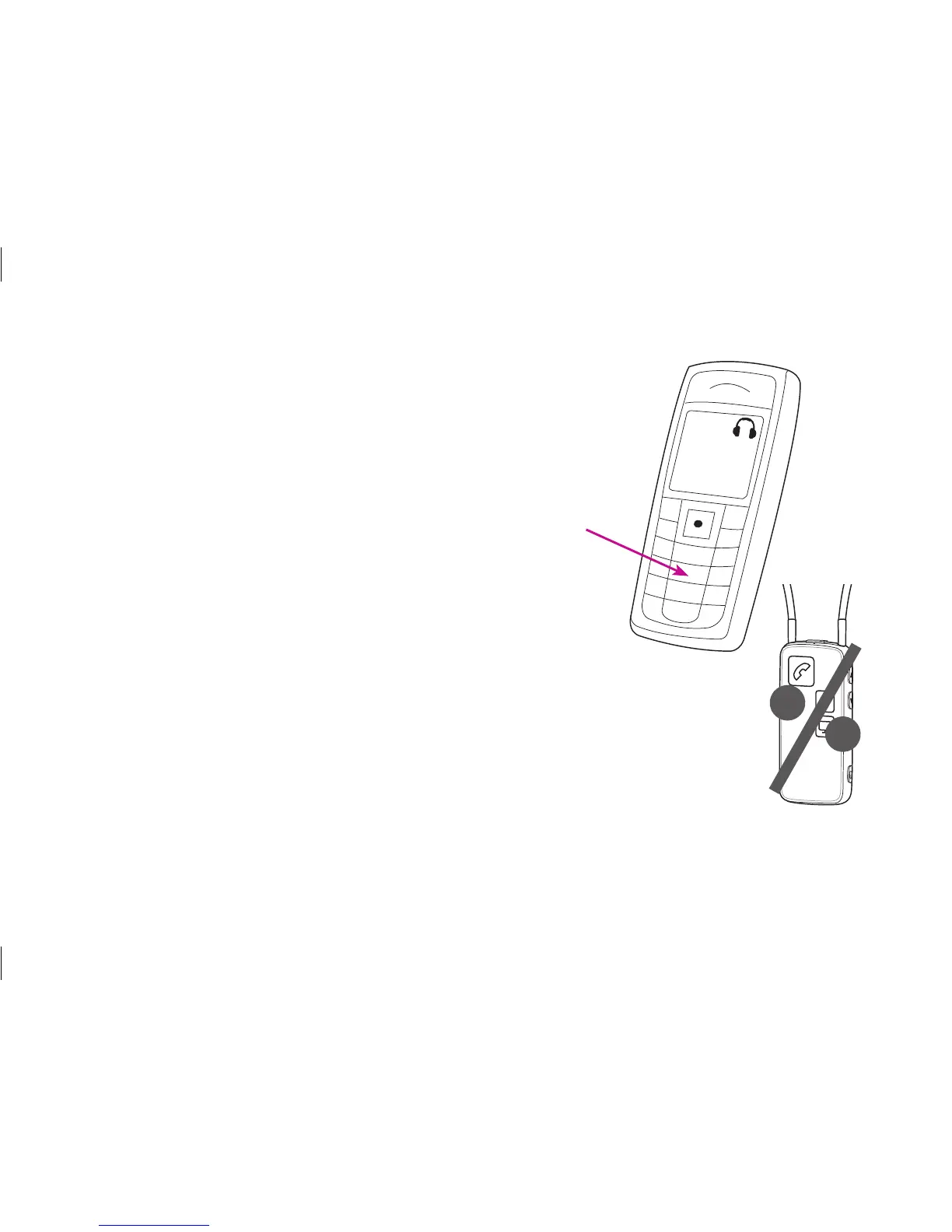
To make a call, all you need to operate is the cell phone.
You do not need to operate the Streamer. Simply key in
the number as you normally do to make a call – the call is
automatically connected to your Streamer.
The phone button on the Streamer and the status
indicator on the top will turn green, and you will hear a
confirmation beep in your hearing instruments indicating
that the call is now connected through your Streamer and
hearing instruments.
To end the call, simply press the “call end” button on the
phone or the phone button on the Streamer briefly.






 To Next Page