19
8.2 safety switches/inputs
On the lift itself switches are build in to prevent driving in both directions.
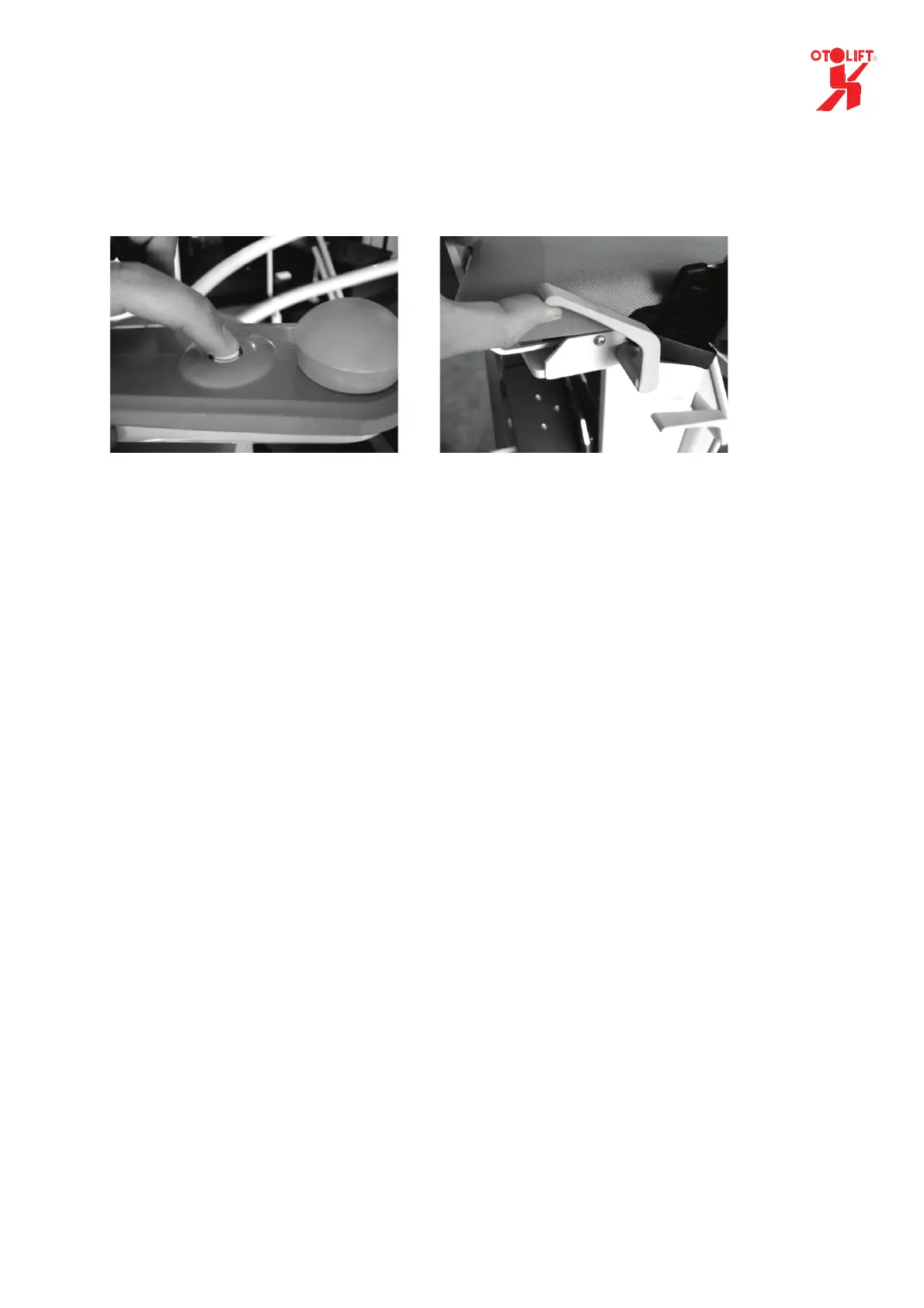
One is positioned in the armrest (chair on/off).
The other switch is in the swivel seat, to prevent that movement of the lift is impossible, when the
rotating seat is not in the correct or locked position.
On/off switch in armrest Unlocking swivel seat
In case of a sliding rail or sensor the lift will switched off when the sliding hinge is not in the correct
position or when the sensor ‘sees’ no metal.
You can check the working of the sensor by pushing the chairlift a little backwards.
When one of the above named switches or inputs is not activated (not in on position) the LED in
armrest will be off.
By operating (1 sec.) and releasing the control left/right on the armrest we LED wil show a number of
blinks. The number of blinks refer to a specified (group of) switch(es) or inputs.
• The Led blinks 0 times. The keyswitch in the armrest is switched off.
(keyswitch is an option)
• The Led blinks 1 time The armrest-switch is switched off.
(Note On is switch in highest position)
• The Led blinks 2 times The switch of the swivel seat is still
operated. Check the position of the seat and
locking handles.
• The Led blinks 3 times The chair is switched off because the powered
hinge is not in the correct position or that the sensor
‘sees’ no metal.


 To Next Page