• For a detailed description of traditional FM testing, see the AURICALHIT Reference Manual.
5.10 How to perform a standard test
The procedure
1. Launch the fitting software for the hearing instrument so that you can control its parameters.
2. Launch OTOsuite and select HIT in the Navigation panel.
3. Open the Test Selector and select the ANSI or IEC special test.
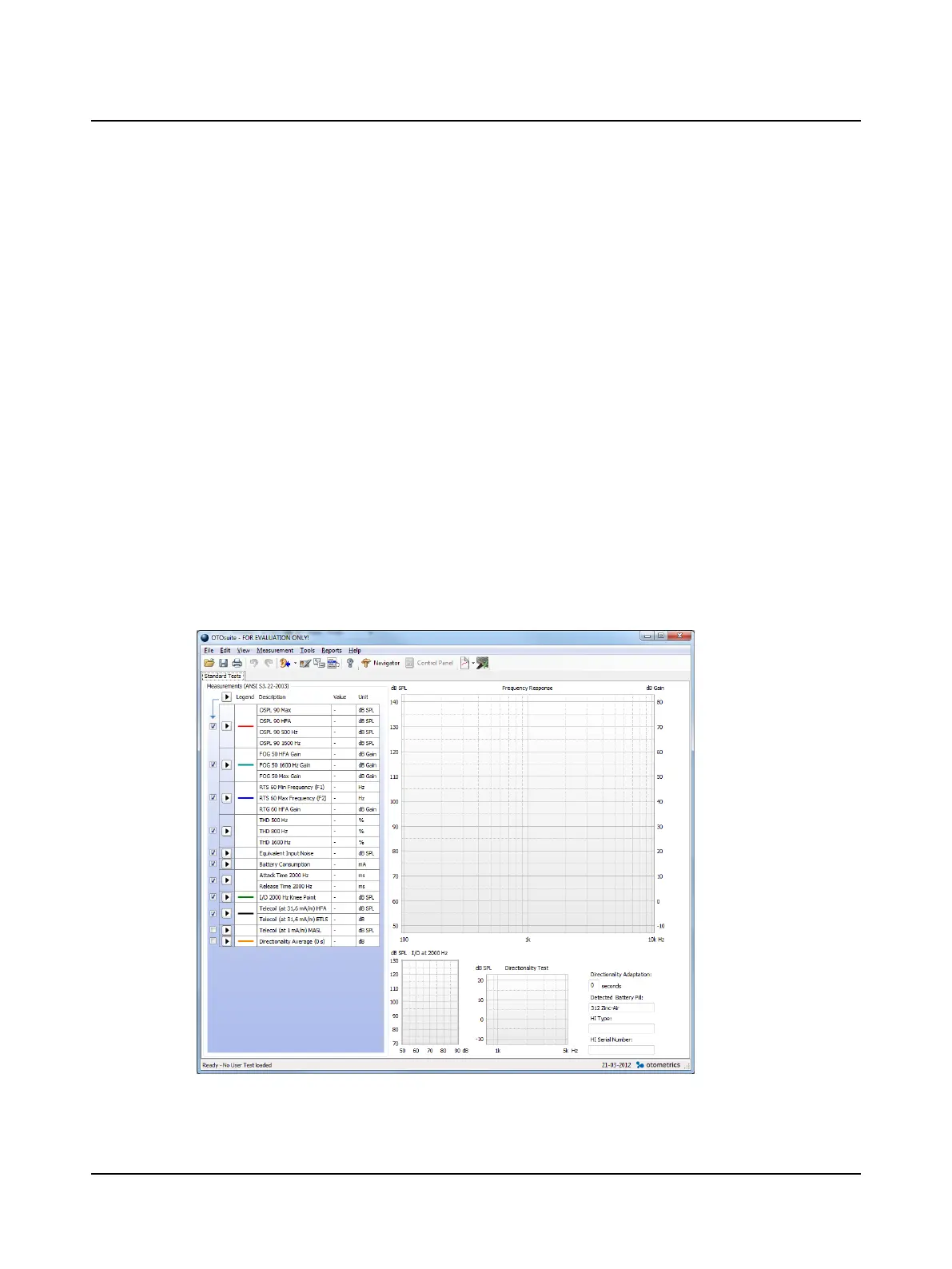
4. If OTOsuite is used without Noah, you can fill out the Hearing Instrument fields in the lower right corner of the
Standard Tests screen. These fields are filled in automatically when you use OTOsuite with Noah together with the fit-
ting software for the hearing instrument.
5. Position the hearing instrument so that it is ready for testing, and switch it on.
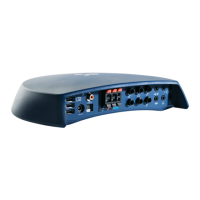
6. If you wish to measure the Battery Consumption, make sure that you connect the battery simulator.
7. Close the lid.
8. If needed, click the arrow buttons in the Measurements table to include the individual tests you wish to perform.
9. Click the Start button in the top left corner of the Measurements table.
This will start a sequence of selected tests.
10. Make sure that you follow the on-screen instructions.
11. If you wish to redo an individual test, click on the Start button next to the test.
14 Otometrics - AURICALHIT
5 Testing hearing instruments


 To Next Page