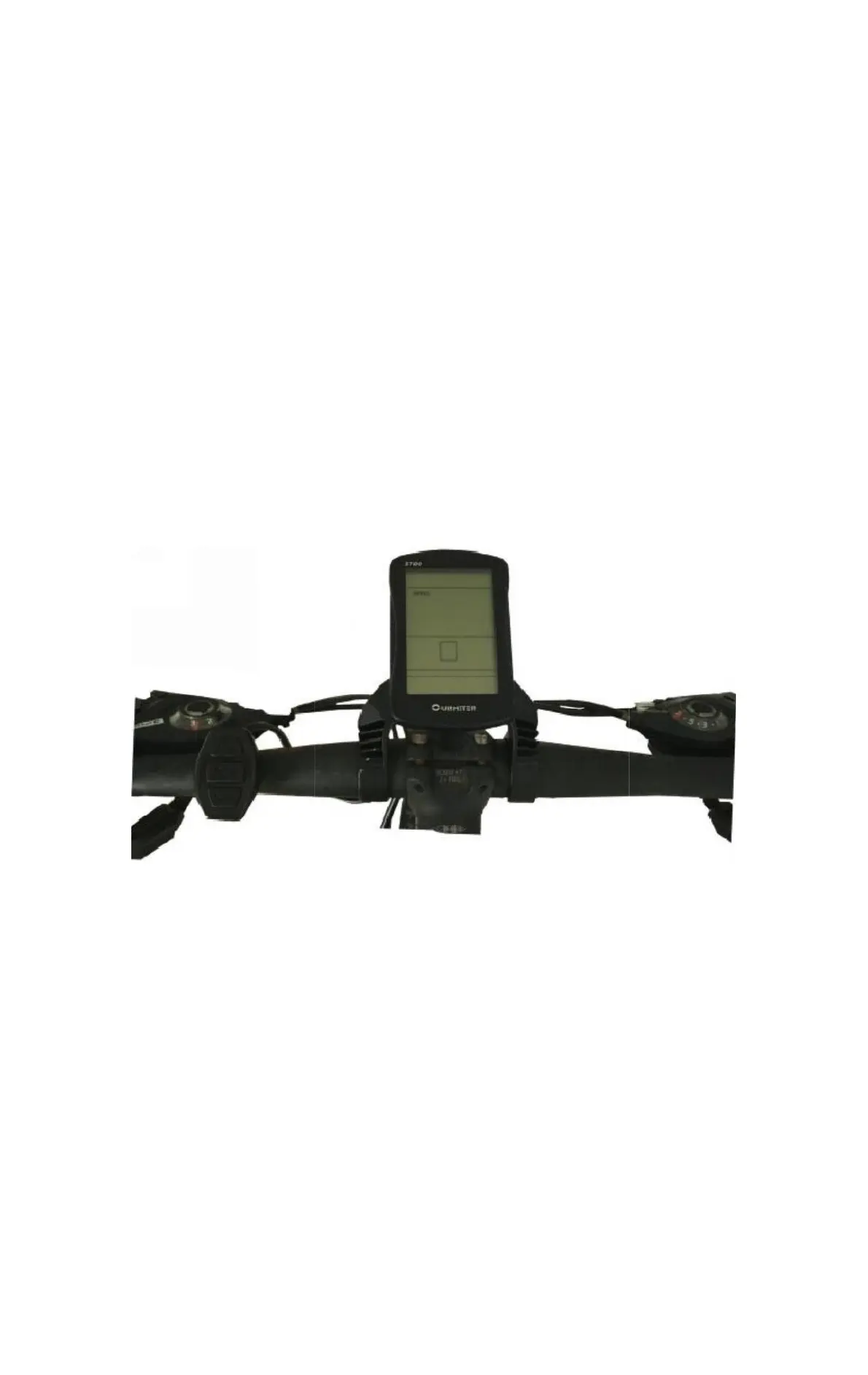
5) Physical
installation diagram
Fix the LCD display part of the instrument and the
external button on the handlebar of the electric
vehicle, and adjust the appropriate viewing Angle. In
the case of power failure of the vehicle, connect the
instrument connector with the controller adapter.
Turn on the power, and the electric vehicle and meter
enter the positive
The instrument is
installed in normal
operating state.
2. Product introduction
and function overview
1) Adopt two-way communication protocol and external three-way
keys to make the operation convenient and quick for customers.
2) Speed display: including real-time SPEED, maximum SPEED,
MAX SPEED, average SPEED AVG SPEED
3) Km/ mile display: set the display of Km/h and miles Mph
according to customers' habits.
4) Intelligent power display: real-time display of


 To Next Page