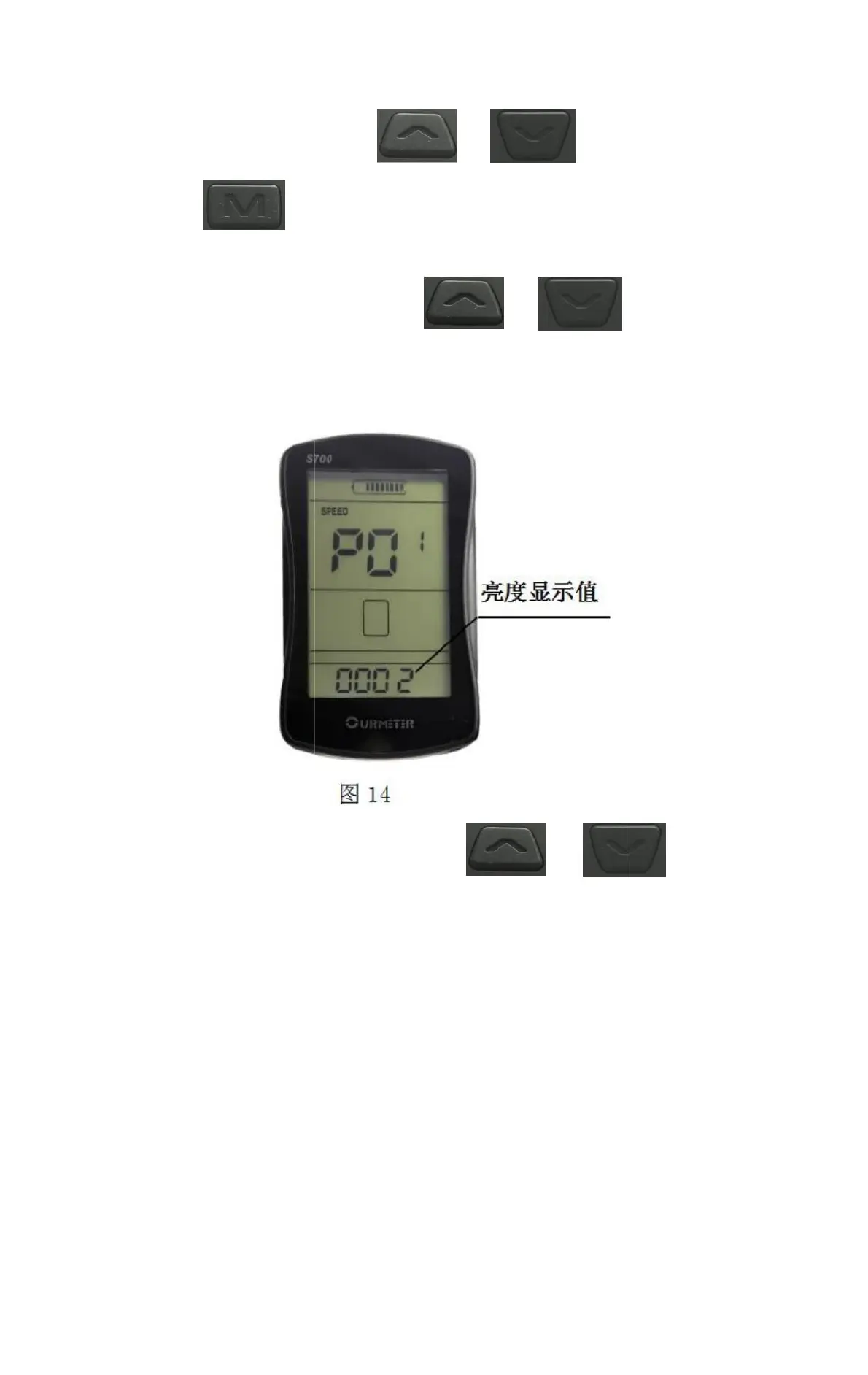
1 is the darkest backlight and 3 is the brightest. 2 is the
default state, as shown in Figure 14.
Km/h or MPH is displayed. Metric/imperial system is set, and the
default state is km/h, as shown in Figure 15,16.
15
2) Metric/Imperial System: P02,
short press
1) Backlight brightness: display
P01, short press
Key toggle Settings project, and save
the parameters of the previous project
In the parameter
setting state, press
Key to adjust
parameter
Settings


 To Next Page