7.5.3 About Dummy Output Features (special functions)
By the following steps, a 1Hz or 10Hz simulated factored pulse train can be furnished irrespective of
flowmeter measurement.
This feature is not available with the unfactored pulse output specification.
(Dummy output is not featured for unfactorred pulse output.)
●
1Hz simulated output mode (dummy output 1 mode Code: Pd1)
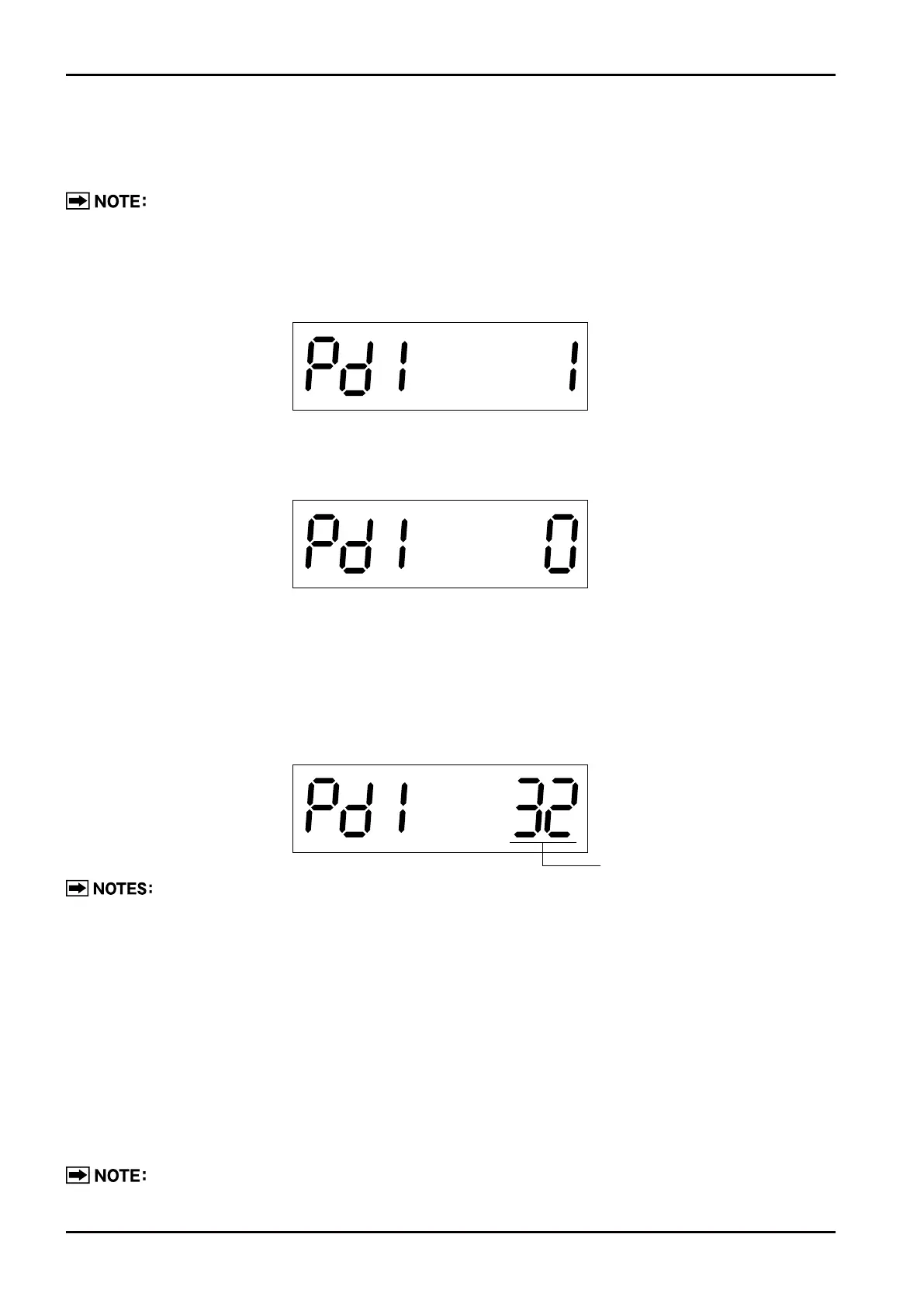
①According to the Table 7.5 "Menu Trees and Switch Operation" (page 19), show dummy output 1 ("Pd1 1")
on the LCD.
②Turn MODE button ON for more than 2 seconds to go to the dummy output run mode.
(The display shows "Pd1 0".)
③Operation within the dummy output run mode
●
Turn RESET button ON → Dummy output appears and the counter counts in sync with the pulse output
produced.
●
Turn MODE button ON → Dummy output stops.
●
Hold MODE button turned ON for more than 2 seconds→Dummy output run mode is terminated,
returning to the state ①.
1.The procedure above also applies to the 10Hz simulated output mode (dummy output 2 mode
Code: Pd2).
.
Pulse width is set by parameter "Parameter Pon".
7.5.4 Parameter Initialization
①Remove the external power source. (If provided with the battery, take the battery out as well.)
②
While pressing the MODE switch, turn the external power on. (If provided with the battery, put the battery in.)
③The LCD lights up in all figure places. (Keep the MODE switch pressed.)
④When the screen shows "PA. rESEt", release the MODE switch to turn "OFF"→Initialization is complete.
(Holding the MODE switch pressed after "PA. rESEt" is shown causes the modes to go to the measure
mode without initialization.)
Parameter initialization is the step to be taken upon detection of a parameter error "PA.Err. 1"
or other erratic condition. Do not take this step unless absolutely necessary.



 To Next Page