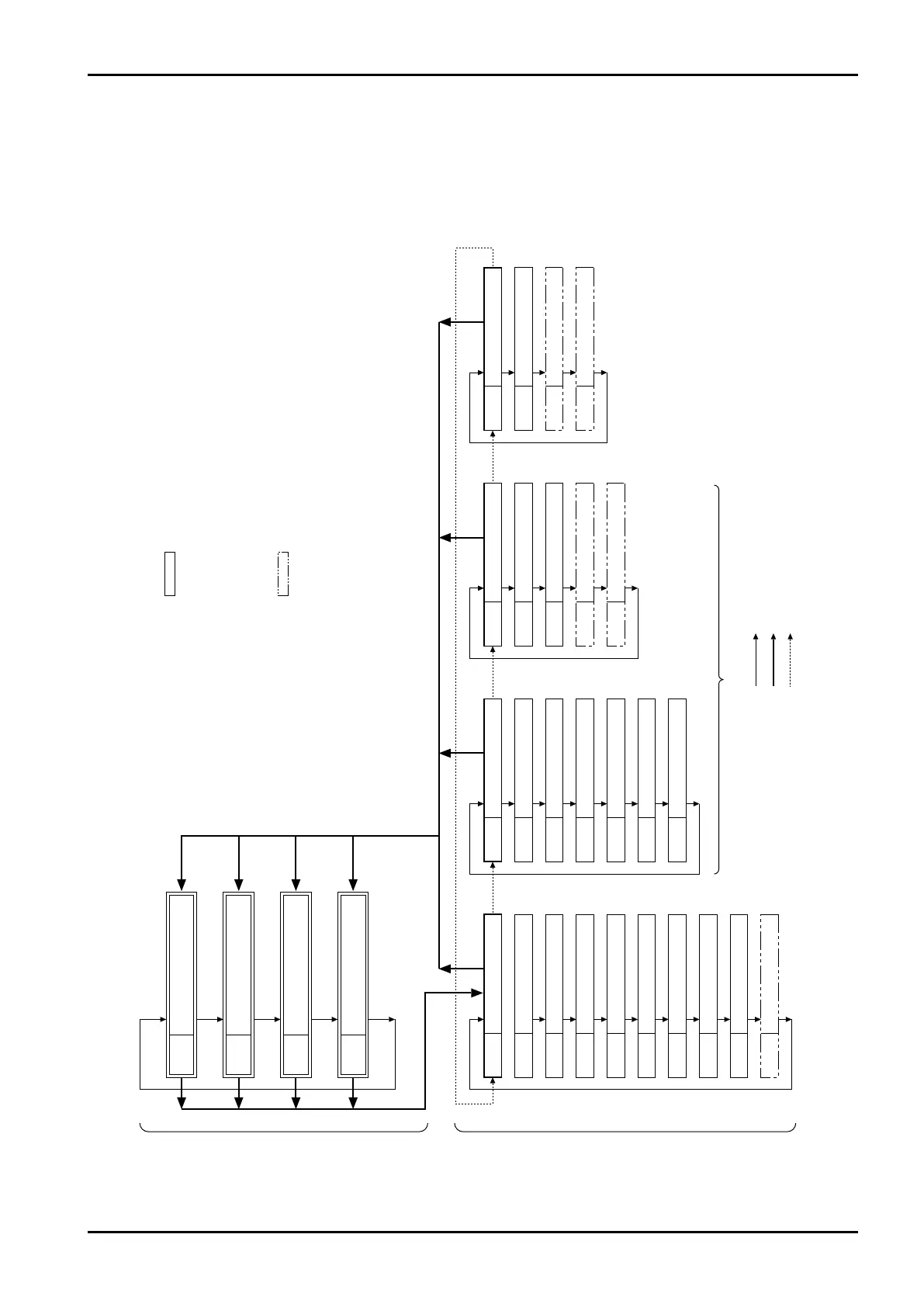
None Accumulated total flow
b1 Instant. flowrate (hourly)
b2 Instant. flowrate (per-minute)
C Resettable total flow
Measure mode (normal mode) Parameter review mode
NOTE: Goes back to the screen showing the
variables and parameters before
a switch to the review mode.
NOTE: Retains variables before a switch
to the review mode.
: Turning "MODE" switch ON for more than 2 sec. at this
window changes the review mode to the write mode.
In the write mode, the following operations are enabled:
①
Turning "MODE" switch ON takes the figure up one place.
②
Turning "RESET" switch ON increases the figure.
③
Turning "MODE" switch ON for more than 2 sec. brings up
the review mode.
: A switch to the write mode from this window enables
you to access to special functions, such analog
trims and dummy output.
bdAtA Basic data
F Meter factor
H Conversion factor
Pu Pulse weight
Un
Indicated unit of measure
bP
Inst. flowrate decimal pt.
SP Total folw decimal pt.
At
Sampling upper limit time
A Sampling number
All light All places illuminate
AL Alarm data
A1d Alarm 1 setup
A1H Alarm 1 hysteresis
A1S Alarm 1 status
A2d Alarm 2 setup
A2H Alarm 2 hysteresis
A2S Alarm 2 status
AnA Analog data
AF Full scale flowrate
AdAn Damping
A04 4mA trim
A20 20mA trim
PuLSE Pulse data
Pon Pulse width
Pd1 Dummy out 1
Pd2 Dummy out 2
Not indicated in EL0122 without F/I and EL0123
: Turning "MODE" switch ON allows at transition to take place.
: Holding "MODE" switch turned ON for 5 sec. allows a transition to take place.
: Turning "RESET" switch ON allows a transition to take place.



 To Next Page