2.Quick Start
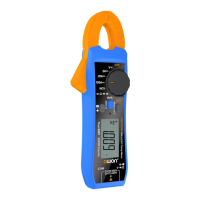
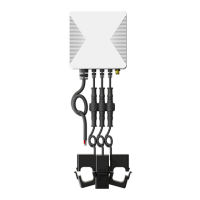
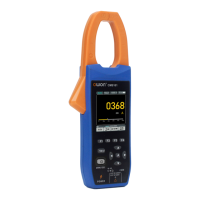
Maximum current allowed to be measured.
Operation indicator light.
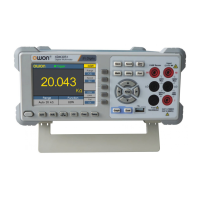
The F1 - F4 keys are multi-function keys. In each menu mode, press
the corresponding key to select the corresponding menu item.
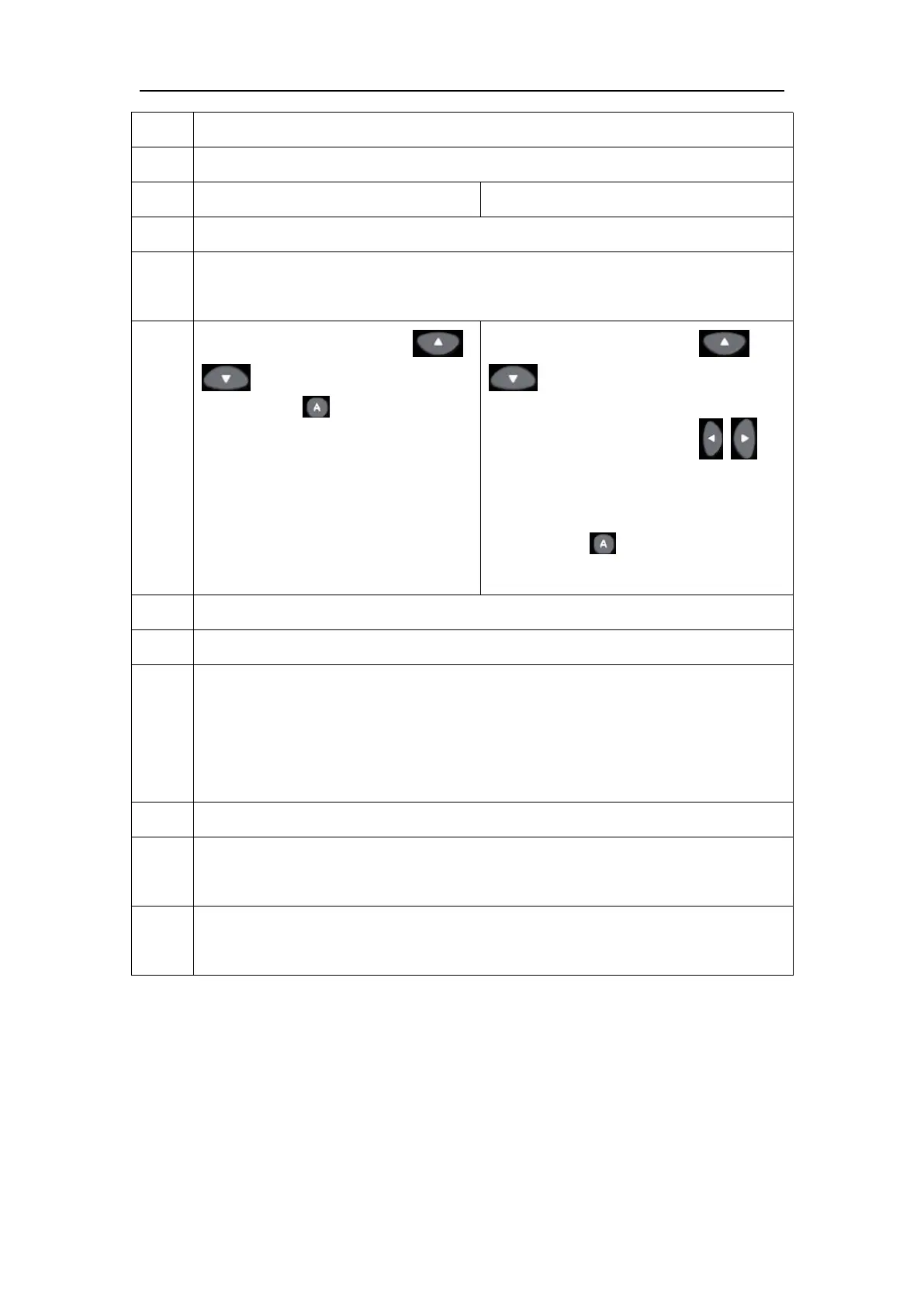
Function of direction keys
: used for changing range.
Function of key:Restore
auto gear.
Function of direction keys
: used for the voltage or
current scales.
Function of direction keys :
used for zooming waveforms and
the time base changing.
Function of key: Perform
automatic setup.
Measurement input port: the input of the measurement signal.
Switch key for working state of oscilloscope and multimeter. Press the
power button briefly to turn on the device. After powering on, press
briefly to switch to the oscilloscope or multimeter mode. Press and hold
to turn off the device.
Tab function switch button.
Clamp head trigger: Press the trigger to open the clamp heads; release
the trigger, and the clamp heads will automatically close.
Clamp head: The current measurement sensor converts alternating or
direct current into voltage.


 To Next Page