2.Quick Start
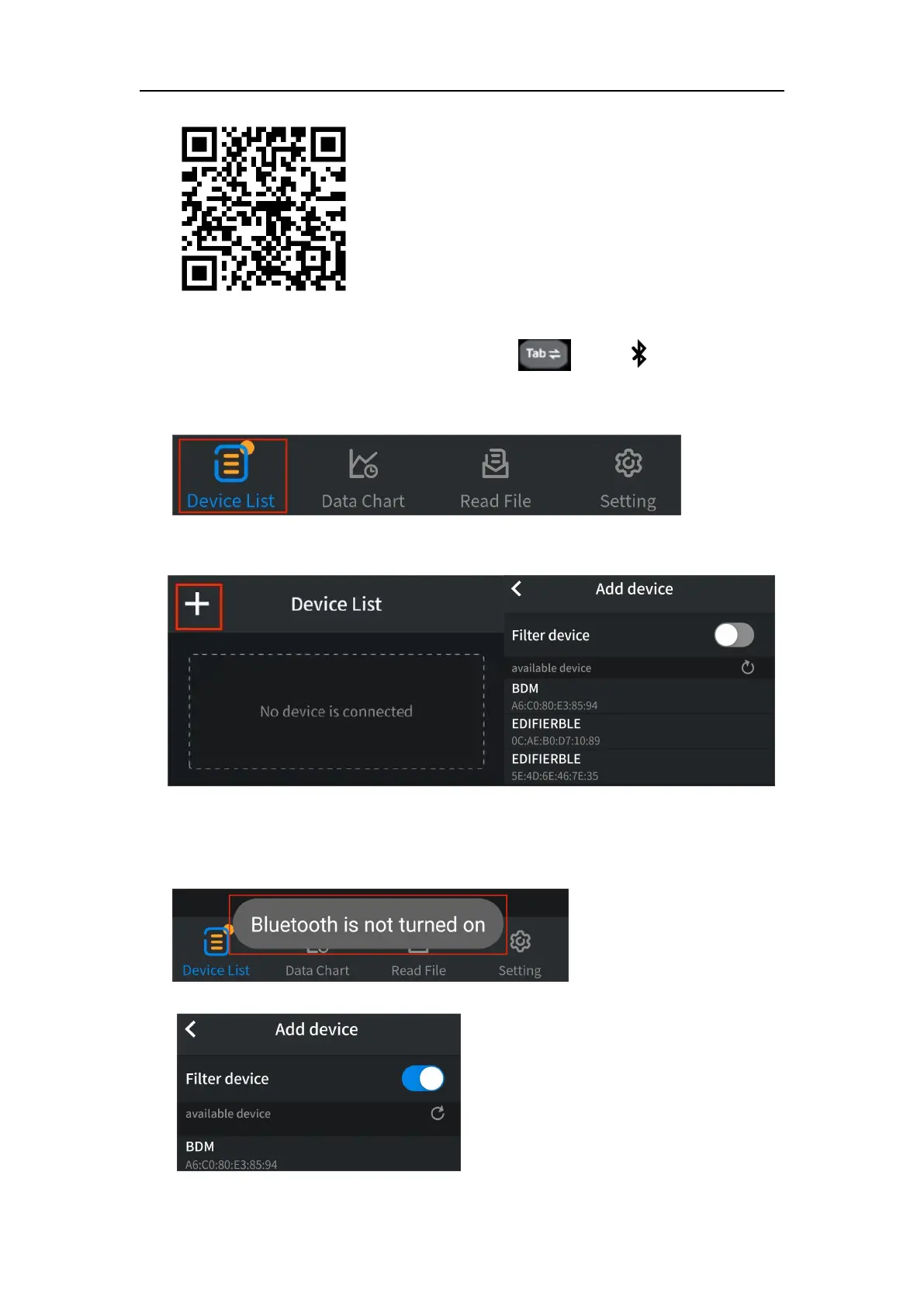
(2) Open the installed application on your mobile device.
(3) Turn on the multimeter, press and hold until appear on the
display.
(4) Click on "Device List" in the bottom navigation bar.
(5) Click the "+" icon in the upper left corner to begin searching for devices
and list out the multimeters found.
(6) If the Bluetooth of the mobile device is not enabled, a prompt box will pop
up at the bottom, indicating "Bluetooth is not turned on". You need to
manually open the Bluetooth of the mobile device before connection can
be made.
(7) Active "Filter device" to hide incompatible multimeters.


 To Next Page