5. The word “yr” will appear in the upper left of the display and a year in the
main display. Enter the last two digits of the year and press the ENTER
key.
Printing the Date and Time
When the time and date has been stored with each reading with the Date and
Time Stamp Every Reading feature installed, the default is to print them
alongside each reading when using the printing selection P-A or P-d (see Printing
Output). Without this feature, the default is to print the date and time of the first
and last reading of the memory location with any printing selection.
OUTPUT SELECTIONS
Review the default settings for the output selections before printing or performing
a serial output. To change the baud rate and /or formatting enter the appropriate
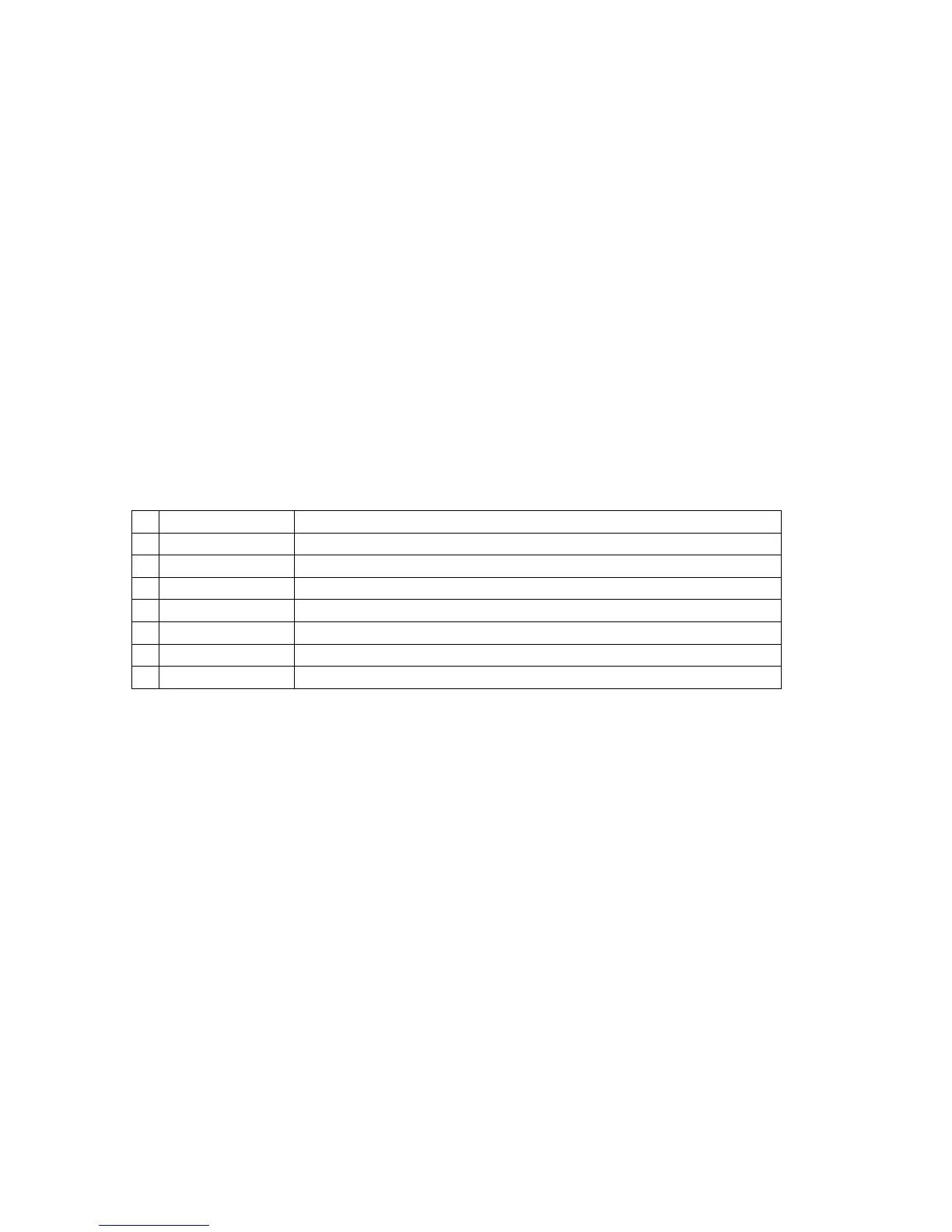
keystrokes described in the following table. Select and make one entry for lines
5 through 8 of the table. The factory default settings in the gage are “٭” “2”
“ENTER”; “٭” “3” “ENTER”; “٭” “7” “ENTER”. This is a setting of “Carriage return
and line feed”; “Disregard BUSY line”; and “4800 baud”.
End each line with a carriage return
End each line with a carriage return and a line feed
Disregard the printer BUSY line when outputting data
Output data only when the printer BUSY line is not active
Set output baud rate to 300
Set output baud rate to 1200
Set output baud rate to 4800
Set output baud rate to 9600
Separator Character
The Separator Character is ASCII 29. When the Separator Character feature is
enabled, this character is inserted with stored readings each time the MEAN key
is pressed. The printing functions P-A and P-d (See Printing Output) will
recognize the Separator Character and insert “start of block n” in the printout.
When uploading to a PC (See Serial Output), the ASCII 29 character will be
transmitted. These printing and uploading functions will ignore the Separator
Character when the feature is disabled even though the character remains with
the readings until the readings are deleted.
How to Enable the Separator Character Feature
1. Press the “٭” key. The display will be cleared and “OP” will appear in the
upper left of the display.
2. Press the “5” “0” keys. The Separator Character Feature is now activated
and the unit returns to the measurement mode.
How to Add a Separator Character
1. With the Separator Character Feature enabled, press the MEAN key in the
measurement mode.
Oxford Instruments Contact Measurement Page 16 of 24
233 USER GUIDE
The information in this document is private and confidential and must not be copied.
Oxford Instruments plc



 To Next Page