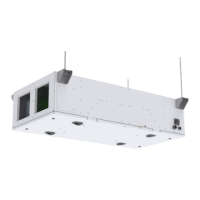
Installation Manual Nova Series
4
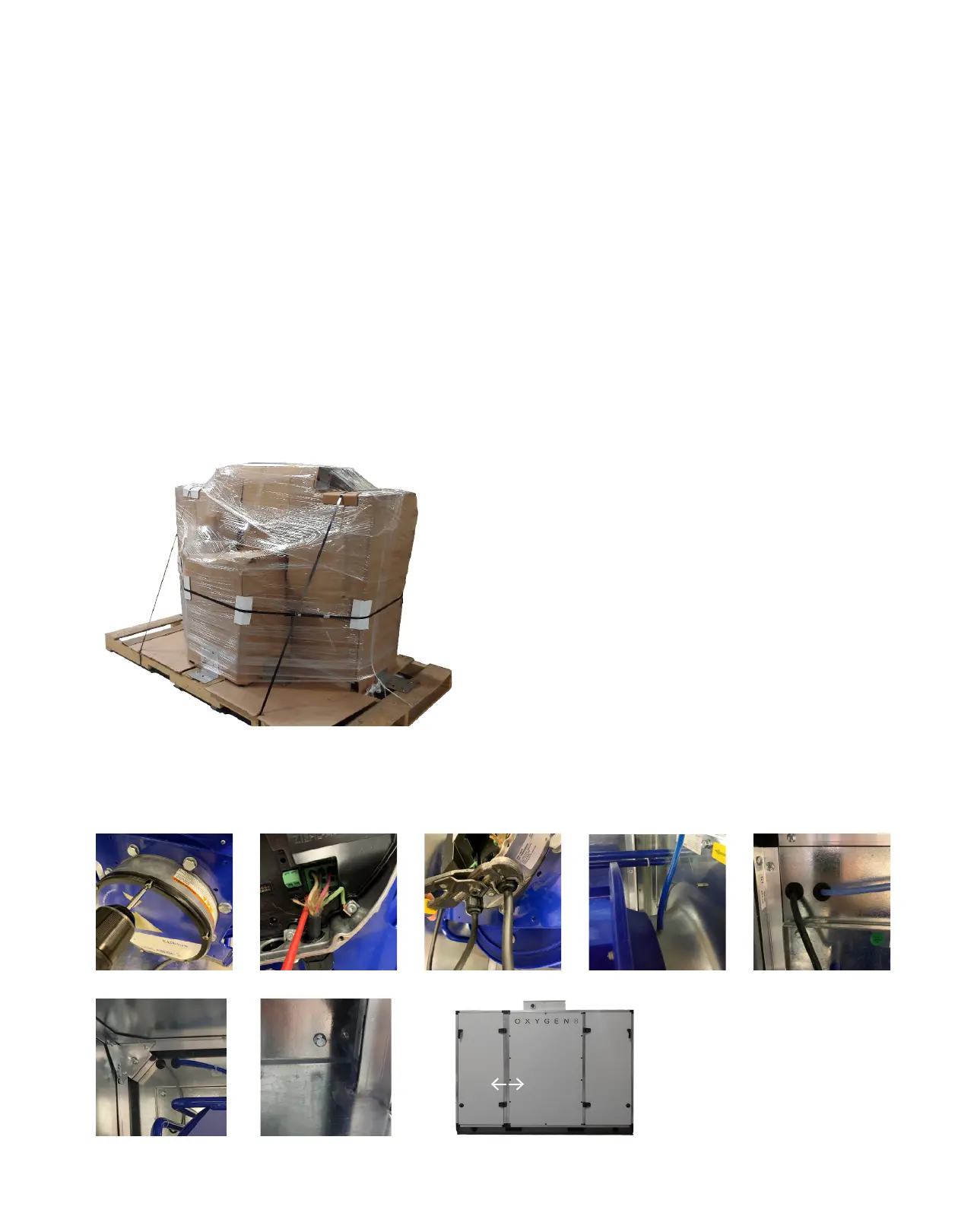
2.1 Unwrapping the Product
When removing the shrink wrap, be cautious with
knives and sharp tools to prevent scratching the
paint.
The HMI, pressure sensor, external duct pressure
sensor and all other optional field components will be
found in the electrical box or fan compartment. They
are secured there for transport and to easily find
them on the job site.
2.2 Assembly
On the C-Series cabinets, it is possible to remove
the fan section from the core section for ease of
installation and maneuverability in tight locations.
Use the following steps to disassemble the fan
section from the core section.
1. Remove the cover from the fan.
2. Undo the screw terminals that are holding the
power wires and the communication wires.
*See back of manual for electrical drawings.
3. Loosen the cable glands and pull the wires out of
the motor.
4. Pull the pressure tube from the nozzle port on
the fan bell mouth.
5. Push the pressure tube and all cables back into
the core section, through the rubber grommets
that are on the fan wall.
6. Repeat steps 1 ― 5 for the other fan.
7. Remove bolts for each corner and top shelf.
8. Pull apart the two sections.
9. Reverse actions for assembly (contractor is
responsible for correct assembly).
2.0 Installation
1 2
4
3
7 7 8
5
Unit Wrapped
for Shipping
4x Corner
2x Shelf



 To Next Page