18
MULTI HEAD TOOL OPERATION
Multi Function Head
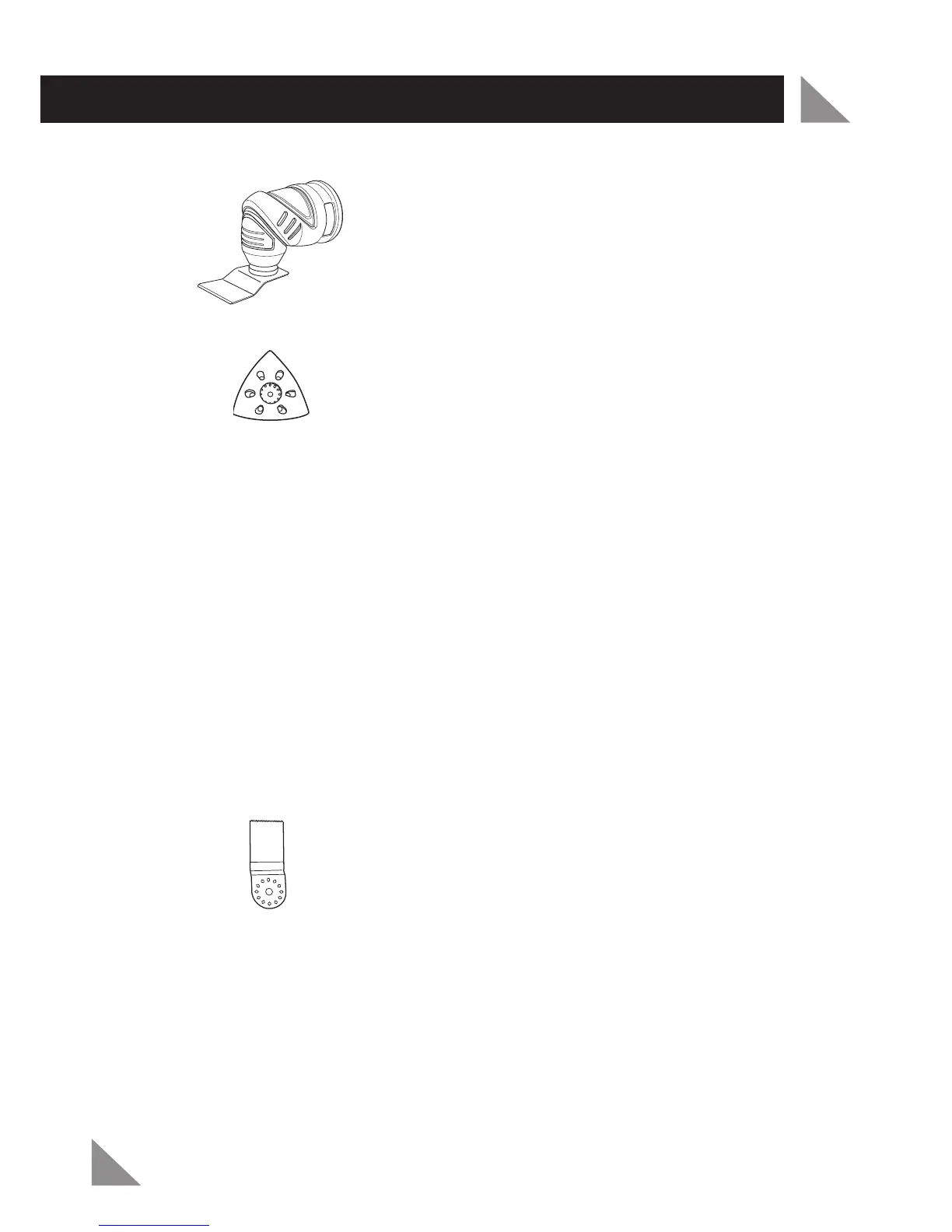
Sanding
Note:
Refer to the “Preparation and Setup” section of this manual for selecting
the correct sandpaper. Always test on a scrap workpiece before using on your
workpiece. Avoid applying excessive force to the tool. Allow the sander to do the
work. If sanding corners in hard to reach areas use the tip or triangle edge of the
sanding pad.
Ensure the hook & loop sanding pad (11) is clear of the workpiece. Turn on
the tool by depressing the variable speed trigger (5) and wait until the motor
reaches the desired speed.
Place the hook & loop sanding pad (11) on your workpiece, ensuring the whole
area of the sanding paper (14) is in contact with the workpiece.
Note:
For best results, the hook & loop sanding pad (11) must be kept flat on the
workpiece. Do not tilt the tool and use the edge of the sanding paper (14) or the
hook & loop sanding pad (11) may become damaged, causing the sanding paper
(14) not to adhere to it correctly.
Sawing
Caution:
Clamp your workpiece securely before commencing your work.
Note:
Ensure your straight saw blade (12) is not blunt or damaged before use.
Ensure the straight saw blade (12) is clear of the workpiece. Turn on the tool by
depressing the variable speed trigger (5) and wait until the motor reaches the
desired speed.
If plunging, use a slight pendulum motion to allow sufficient debris removal.
Note:
Only use the multi function head for plunge cuts on soft materials such
as wood or gypsum plaster boards. Ensure there are no nails or screws in the
workpiece before cutting.
1.
2.
1.
2.



 To Next Page