19
Scraping
Note:
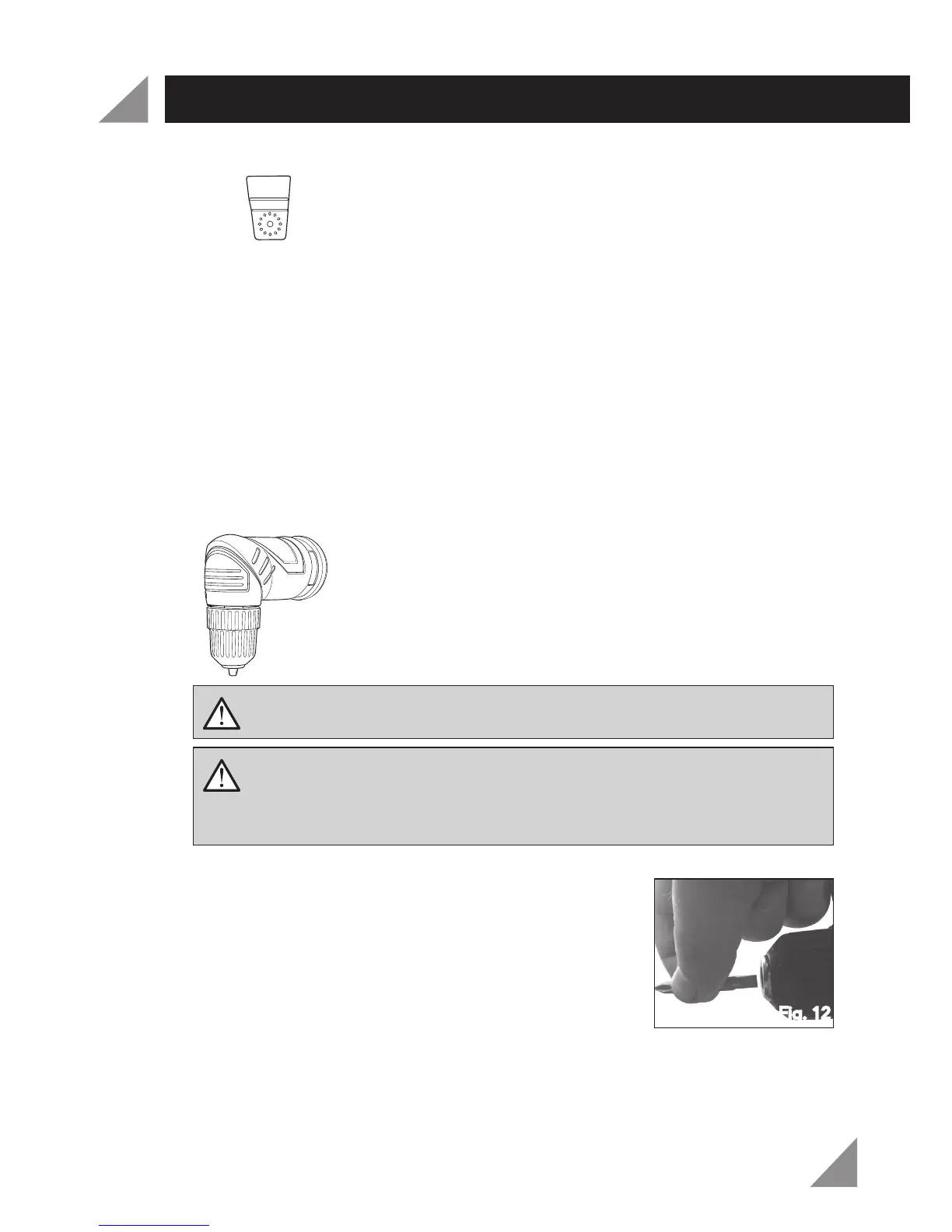
The scraper blade (13) is designed for scraping surfaces and the removal of
soft materials (eg. paint, glue). Ensure you only apply light pressure to avoid cutting
the surface.
Ensure the scraper blade (13) is clear of the workpiece. Turn on the tool by
depressing the variable speed trigger and wait until the motor reaches the
desired speed.
Place the scraper blade (13) on the workpiece, using a slight angle.
Note:
Allow the tool to do the work and do not apply heavy pressure on the scraper
blade (13). Heavy pressure can cut into the surface or overload the multi head tool.
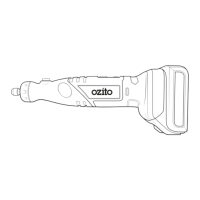
Right Angle Drill Head
Installing Drill or Driver Bits
Remove the battery (2) from the multi head tool.
Open the keyless chuck (18) to a point where the
opening is slightly larger than the drill or driver bit you
intend to use.
Insert the drill or driver bit into the keyless chuck (18).
Ensure the end of the drill or driver bit does not touch
the screw inside the keyless chuck (18)(Fig. 12).
Close the keyless chuck (18) onto the drill or driver bit.
Caution:
The right angle drill head is designed for light duty drilling and
screwdriving. To prevent damage to the tool, avoid driving large screws or drilling
into hard materials with large drill bits.
1.
2.
1.
2.
3.
4.
WARNING! Remove battery from the multi head tool before attempting
to change accessories. Failure to do so may cause serious personal injury.
WARNING! Do not use the power of the drill to tighten or loosen the
chuck jaws. The chuck body could slip and your hand could come in
contact with a rotating accessory. This could cause an accident resulting in
personal injury.
Fig. 12
MULTI HEAD TOOL OPERATION



 To Next Page