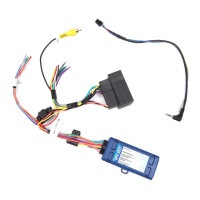
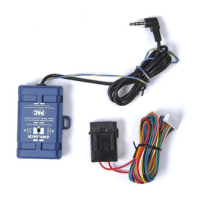
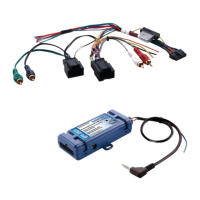
RP4-NI11
Radio Replacement & Steering Wheel Control Interface
for Nissan Vehicles
Pacic Accessory Corporation
®
| Ph. 866-931-8021 | support@pac-audio.com
©2016 Pacic Accessory Corporation
www.pac-audio.com
Pacific Accessory Corporation
Rev. 011116
Product Updates (Firmware)
The RP4-NI11 can be updated with new rmware as it becomes available using the PAC-UP interface updater (sold seperatly).
Please visit www.pac-audio.com/rmware for available updates.
Testing & Verication
1. Turn the ignition on. The LED on the interface will turn on & the +12v accessory wire will turn on.
2. Turn on the radio & check balance & fade.
3. Verify that all SWC are functioning properly.
4. The LED & radio will turn off when the key is turned off
Appendix A
When installing the RP4-NI11 into a 2014+ Nissan Rogue it may be necessary to make a hardwired connection for accessory
power. This is necessary due to these vehicles having a different location for the 12v accessory wire. Please follow the procedure
outlined below to make the proper connection.
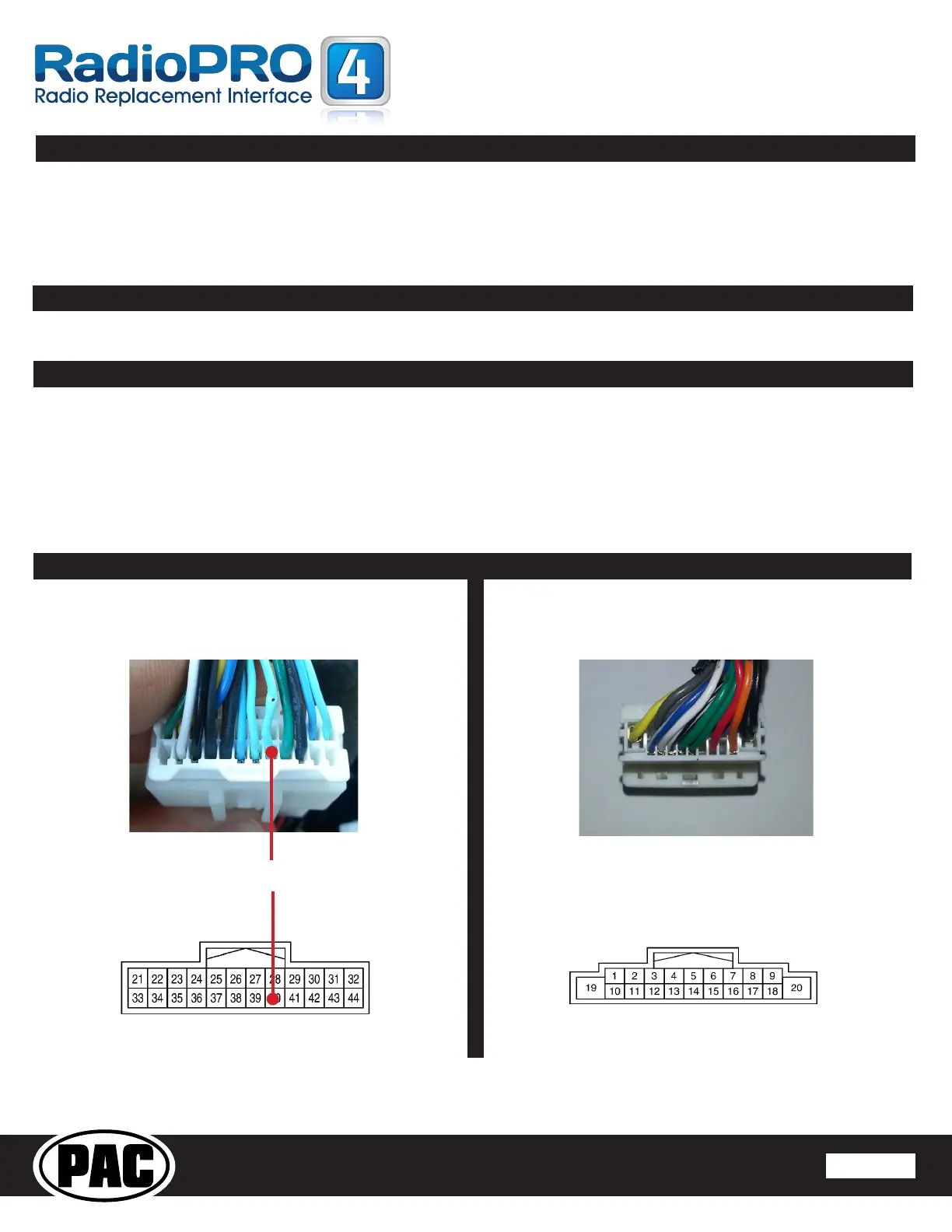
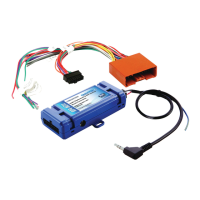
1. Connect the main 20-pin and 24-pin harnesses as outlined in the instruction manual included with the interface.
2. Locate the light green accessory wire in the 24-pin Nissan factory harness (Fig. 1). This wire will need to be jumped to the red wire located in
pin 16 of the 20-pin RP4 harness (Fig 2).
Illustration / Schematic
RP4-NI11
Connector
Fig. 1
24-Pin Vehicle
Connector
Fig. 2
All connectors are viewed from wire side
Factory ACC Wire RP4 ACC Wire


 To Next Page