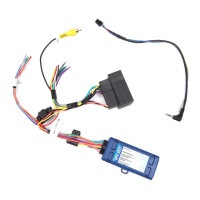
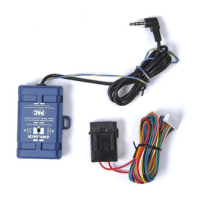
RP4-NI11
Finding an Accesory 12v+
in 2014+ Nissan Rogue With a Navigation radio
Pacic Accessory Corporation
®
| Santa Ana, California 92705 | Ph. 866-931-8021 | support@pac-audio.com
©2013 Pacic Accessory Corporation
www.pac-audio.com
Rev. 011116
Pacific Accessory Corporation
Page 1
Page 1
Tech Bulletin
Important Notes
Illustration / Schematic
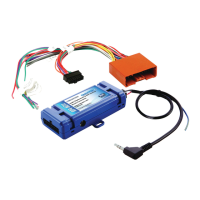
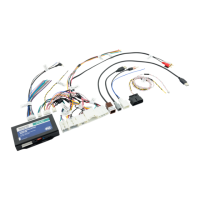
When installing the RP4-NI11 into a 2014+ Nissan Rogue it may be necessary to make a hardwired connection for accessory
power. This is necessary due to these vehicles having a different location for the 12v accessory wire. Please follow the procedure
outlined below to make the proper connection.
1. This tech bulletin only needs to be followed if installing the RP4-NI11 into the 2014+ Nissan Rogue without an accessory wire in the main
20-pin harness.
2. It is important that all connections be soldered to ensure they are secure. Using T-Taps or crimp connectors will result in faulty connections
which could cause erratic/unreliable operation.
Installation Steps
1. Connect the main 20-pin and 24-pin harnesses as outlined in the instruction manual included with the interface.
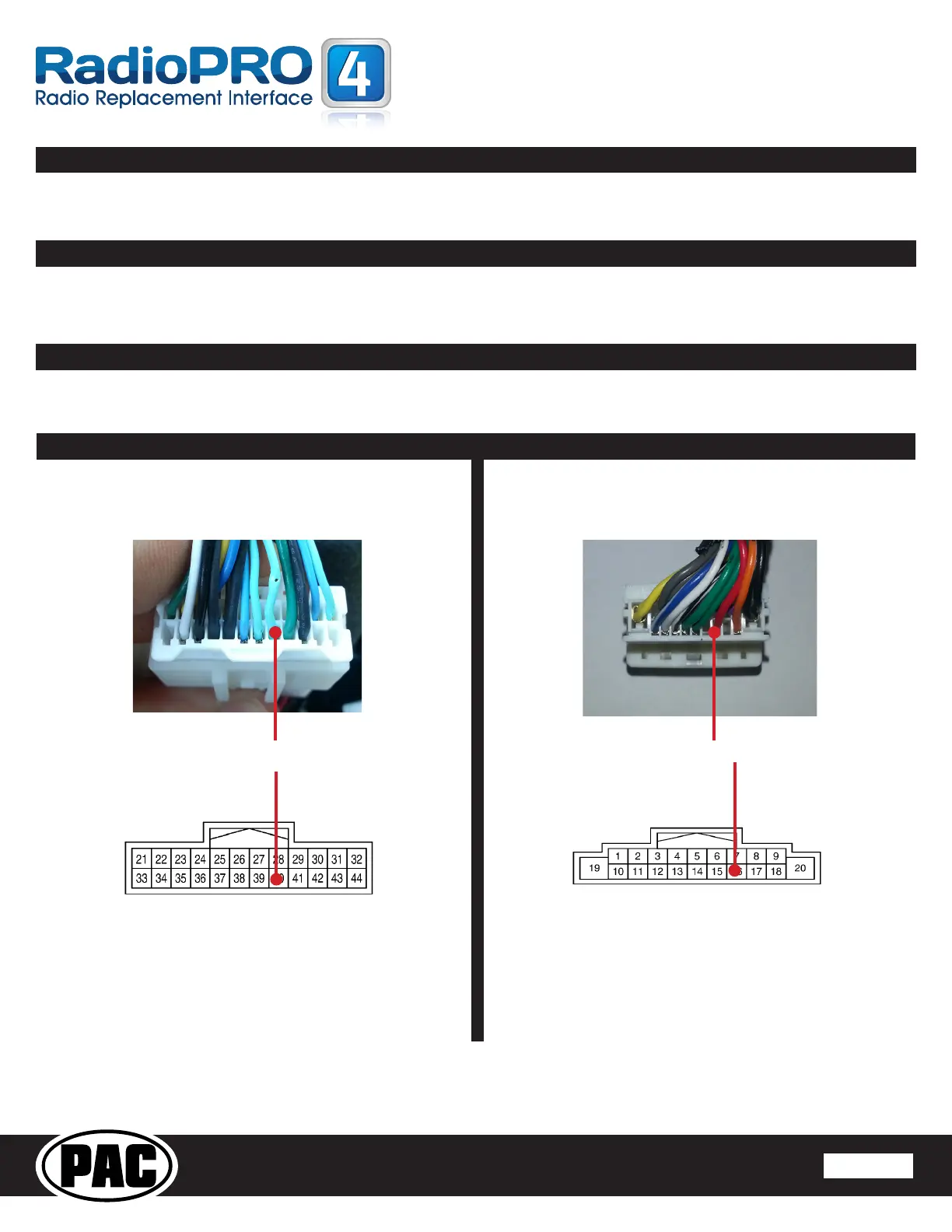
2. Locate the light green accessory wire in the 24-pin Nissan factory harness (Fig. 1). This wire will need to be jumped to the red wire located in
pin 16 of the 20-pin RP4 harness (Fig 2).
RP4-NI11
Connector
Fig. 1
24-Pin Vehicle
Connector
Fig. 2
All connectors are viewed from wire side
Factory ACC Wire RP4 ACC Wire


 To Next Page