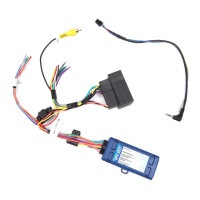
Radio Replacement & Steering Wheel Control Interface
for Dodge/Jeep/Ram Vehicles
RP4-CH21
© 2018 AAMP Global. All rights reserved. PAC is a Power Brand of AAMP Global.
PAC-audio.com
Pacific Accessory Corporation
Page 2
Rev: 2
Date: 041218
Installation Steps
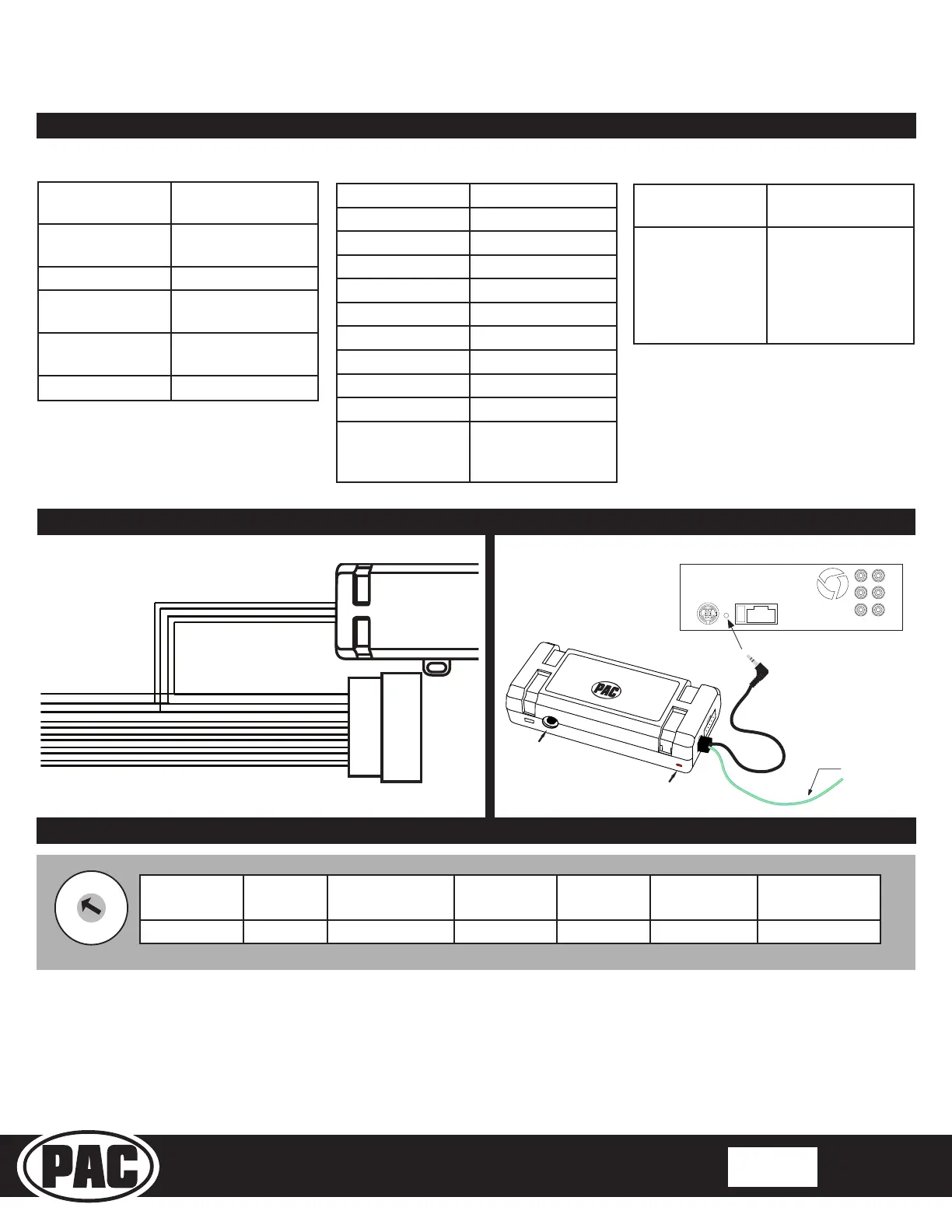
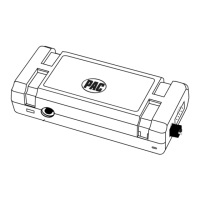
1. The radio select rotary switch on the side of the interface must be adjusted to the proper radio
setting before plugging the interface into the vehicle.
2. Make all connections as described in the connection chart on page 1. Vehicles without a factory amplier: Connect the
aftermarket radio’s front and rear speaker wires to the vehicle connector. Vehicles with a factory amplier: Connect the
front outputs of the aftermarket radio to the rear inputs of the vehicle connector. This will allow navigation voice prompts and
Bluetooth calls to be heard.
Illustration / Schematic
Aftermarket Radio
Connections
Vehicle
SWC Connection
x4
See above chart for
different radio type
connections
Acc On/
Programming
LED
Programming
Button
Wiring SWC Connection
Wiring Connection Chart
Red / White Parking Brake
Output (-)
Purple / White Vehicle Speed
Output
Blue / White Amp Turn On Input
Red Accessory Output
Output (10 amp)
Orange / White Illumination Output
(+)
Green Reverse Output (+)
Interface Connector
Yellow Battery +12v
Black Ground
White Front L + input
White / Black Front L - input
Grey Front R + input
Grey / Black Front R - input
Green Rear L + input
Green / Black Rear L - input
Purple Rear R + input
Purple / Black Rear R - input
Yellow RCA Factory Reverse
Camera Video (if
equipped)
Vehicle Connector
SWC Connector
Blu/Yel Kenwwod, Newer
JVC
3.5mm Jack Alpine, JVC,
Clarion, Fusion,
Pioneer, Sony,
Boyo, Dual,
Lightning Audio,
Visteon or Advent
Alpine JVC
Kenwood /
Lightning Audio
Clarion /
Nakamichi
Pioneer /
Other*
Sony Fusion
1 2 3 4 7 8 9
*Other - Dual / Axxera (these brands could also have 2 - wire resisve), Jensen, Rockford Fosgate
SET RADIO SELECT SWITCH


 To Next Page