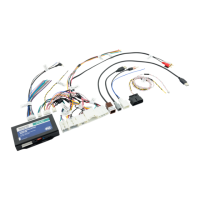
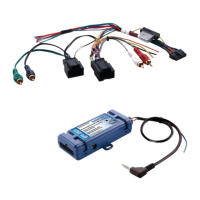
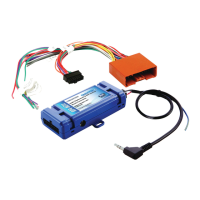
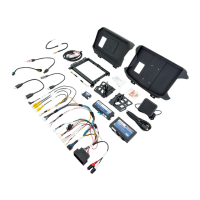
Radio Replacement & Steering Wheel Control Interface
for Dodge/Jeep/Ram Vehicles
RP4-CH21
© 2018 AAMP Global. All rights reserved. PAC is a Power Brand of AAMP Global.
PAC-audio.com
Pacific Accessory Corporation
Page 4
Rev: 2
Date: 041218
Optional Steering Wheel Control Programming (cont)
Alpine JVC Kenwood Clarion Other * Pioneer Sony Fusion
1 Volume + Volume + Volume + Volume + Volume + Volume + Volume + Volume +
2 Volume - Volume - Volume - Volume - Volume - Volume - Volume - Volume -
3 Mute Mute Mute Mute Mute Mute Mute Mute
4 Preset + Source Source Source Preset + Preset + Preset + Source
5 Preset - Track + Play Search + Preset - Preset - Preset - Track +
6 Source Track - Track + Search - Source Source Source / End Call Track -
7 Track + Band / Disc + Track - Band Track + Track + Track + Audio
8 Track - Preset / Disc - Disc / FM + Send / End Track - Track - Track - Power
9 Power Select Disc / AM - Send Band Band Band
10 Enter / Play Attenuation Answer End Answer ** Phone Menu Power / End Call
11 Band / Program Phone Receive Voice Dial VR End ** Answer Call Voice Dial / Answer / End Call
12 Receive Phone Reject On Hook PTT ** End Call
VR (Android Auto & Car Play)
Answer / End Call***
13 End Voice Dial Off Hook VR
14 VR Power Mute
15 Preset +
* Advent, Boyo, Dual, Lightning Audio, Jensen, Rockford Fosgate & Visteon ** Jensen & Advent ONLY ***
XAV-AX100 Only
Optional Programming Order
Programming
1. Turn the key to the ignition position.
2. Press and release programming button on the side of the interface.
3. Within 7 seconds, press the button that is to be learned on the steering wheel. The LED will turn off when the button is pressed.
At this point you have two options:
A. For short press functionality: Release the button within 1.5 seconds. The LED will turn back on.
B. For long press functionality: Hold the button until the LED starts blinking. Release the button and the LED will
go back to solid.
4. If you need to program more buttons, repeat step 3 for each additional audio function on the steering wheel.
5. If you come across a function in the chart that your steering wheel does not have, or you do not want to program, press and
release the program button on the side of the interface to skip that function.
6. Once programming is completed, wait seven seconds. The LED will ash three times indicating end of programming.
7. Test the interface for proper functionality. Whenever a SWC is pressed the LED on the interface should blink. If any function
does not work, repeat the programming steps
RP4-CH21 SWC Notes
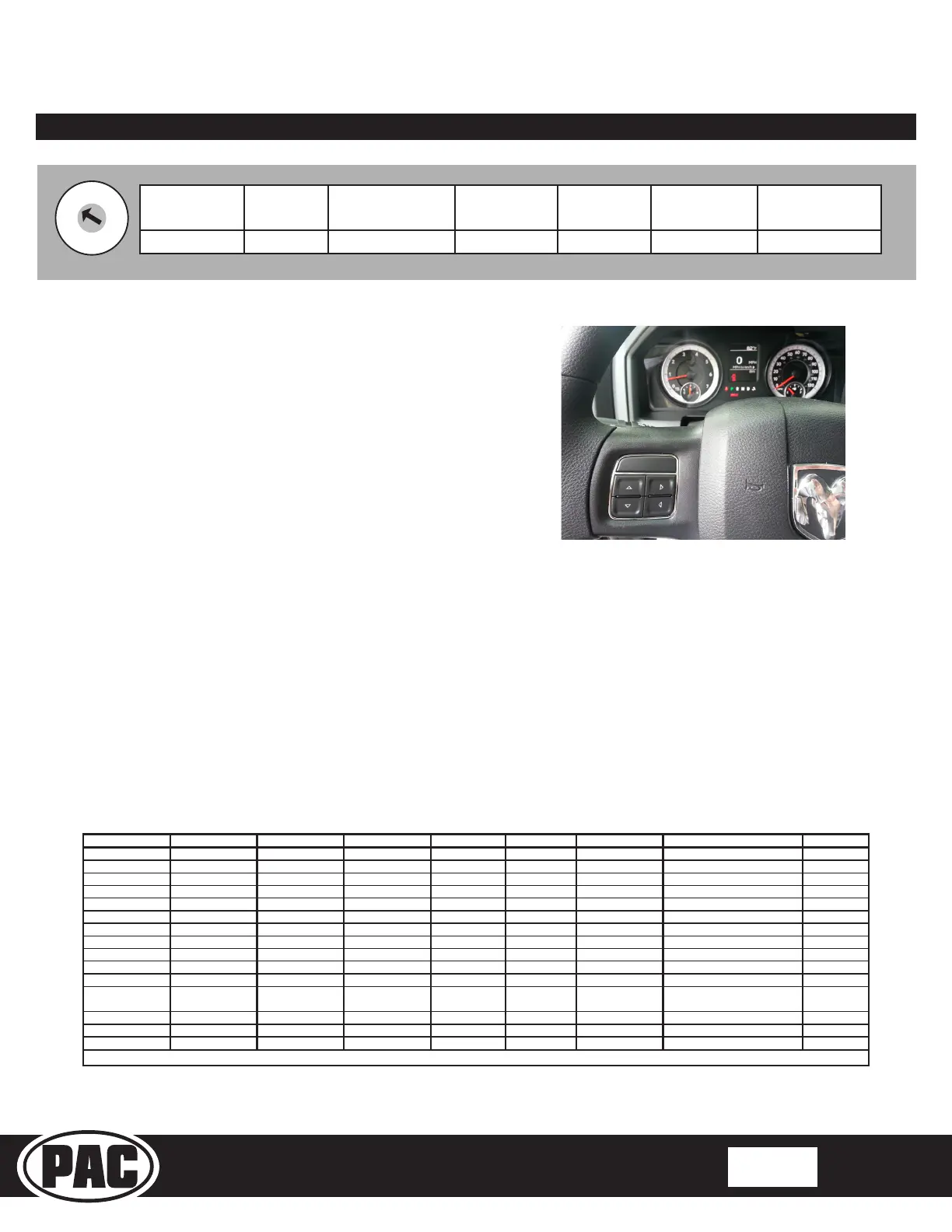
1. In vehicles that do not have SWC for the radio but do have
SWC for the menu you can program the up/down/left/right
arrows to whatever you want. We recommend that you
have the DIC in the speedometer screen when using the
SWC for the radio (Fig.1)
2. The Mute, Answer and End buttons in the Ram Promaster
can not be programmed for long press functionality.
Fig. 1
Alpine JVC
Kenwood /
Lightning Audio
Clarion /
Nakamichi
Pioneer /
Other*
Sony Fusion
1 2 3 4 7 8 9
*Other - Dual / Axxera (these brands could also have 2 - wire resisve), Jensen, Rockford Fosgate
SET RADIO SELECT SWITCH


 To Next Page