NOTE
When stationary, R3 is available to
launch the
vehicle. Once the vehicle is
moving, R4 through R6 can be select-
ed.
Using High-range Reverse When
Moving
• Upshift until the desired high-range
gear is obtained.
NOTE
Applying the service brakes while
downshifting from
high range to low
range is recommended to aid the shift.
Upshifting and Downshifting
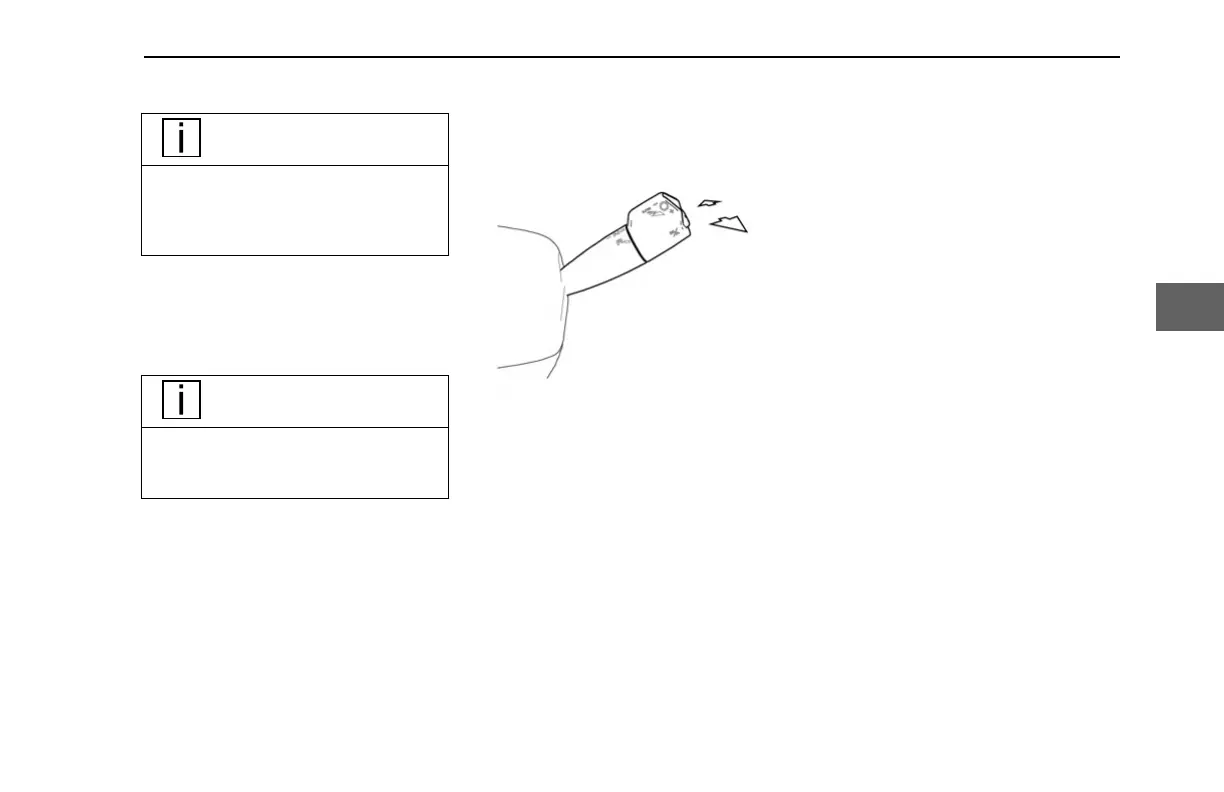
The transmission gear can be selected
manually to accommodate the driving
needs of the operator. The transmission
mode must be in either Drive or Reverse to
manually select the gear
.
When in Automatic mode
• Pushing or pulling the shifter will
briefly upshift or downshift the
transmission (for about four
seconds); after which, the
transmission will return to the ideal
gearing for the current vehicle
speed and engine use.
• Pushing and holding the shifter
away will engage the Low mode
(see Low Mode Operation on page
38).
When in Manual mode
•
Pulling the shifter towards the
operator (+) will upshift.
• Pushing the shifter away (–) will
downshift.
• Pushing and holding the shifter
away (–) will engage Low mode
(see Low Mode Operation on page
38).
The selected gear will appear on the
Transmission Gear Display (see
Transmission Gear Display on page 23)
and may flash briefly when moving into
gear.
CONTROLS - Column Shifter
Y53-1349-1A1 (02/2022) 29
4



 To Next Page