Copyright© 2003 Pacific Digital Corporation Page 16
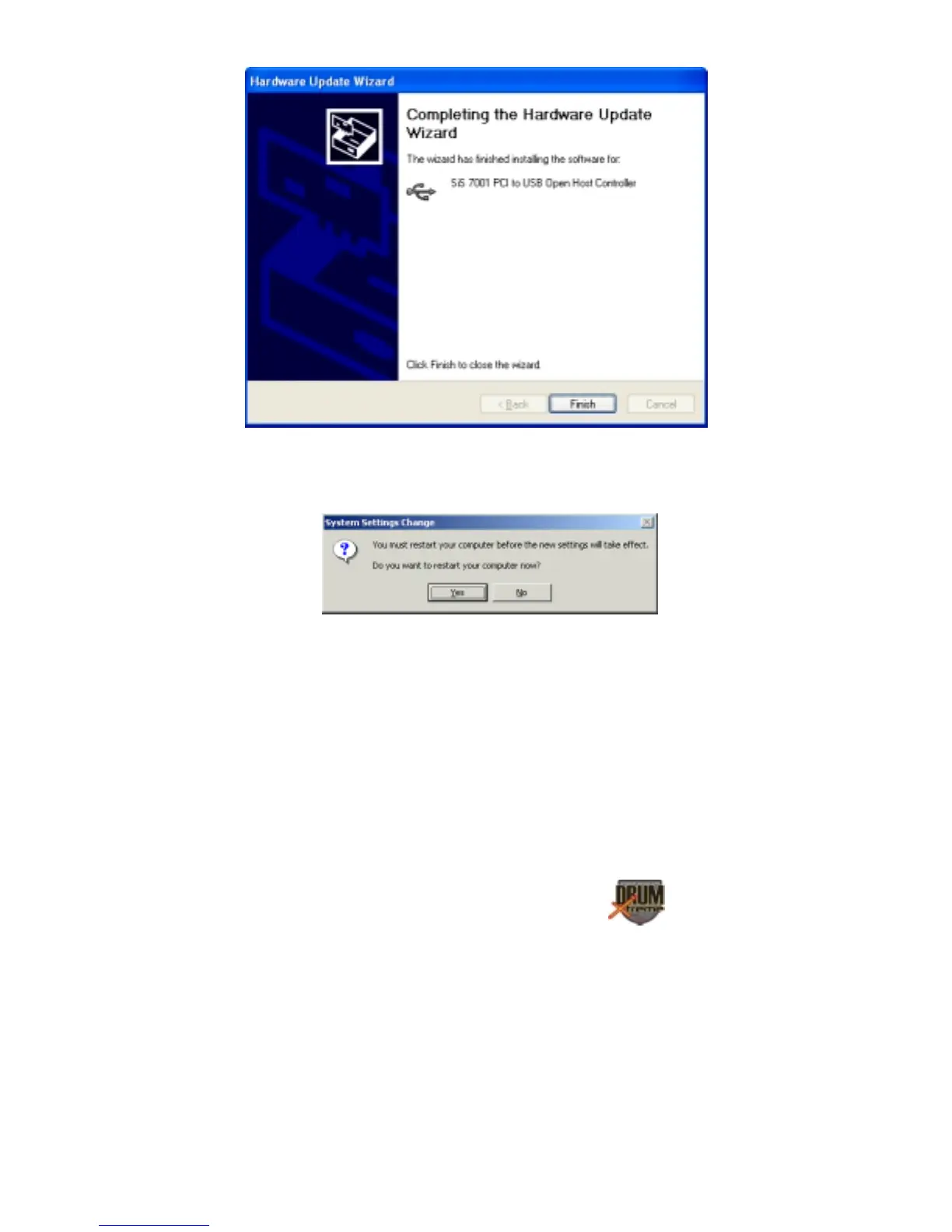
Some older versions of Windows® require a system restart. If so, you
will see the following screen. If this screen is displayed, click on Yes to
restart the system.
Windows Settings Change Message
If the above screen is not displayed, the system does not need to be
restarted.
Note: Once the DrumXtreme USB driver is installed the DrumXtreme
USB device will be listed as a “Game Controller Device”.
To verify that the device was properly installed, check under the “Game
Controller” section of your Windows® Control Panel
(left-click on
START, then select SETTINGS, then click on Control Panel, and double
click on Game Controller).


 To Next Page